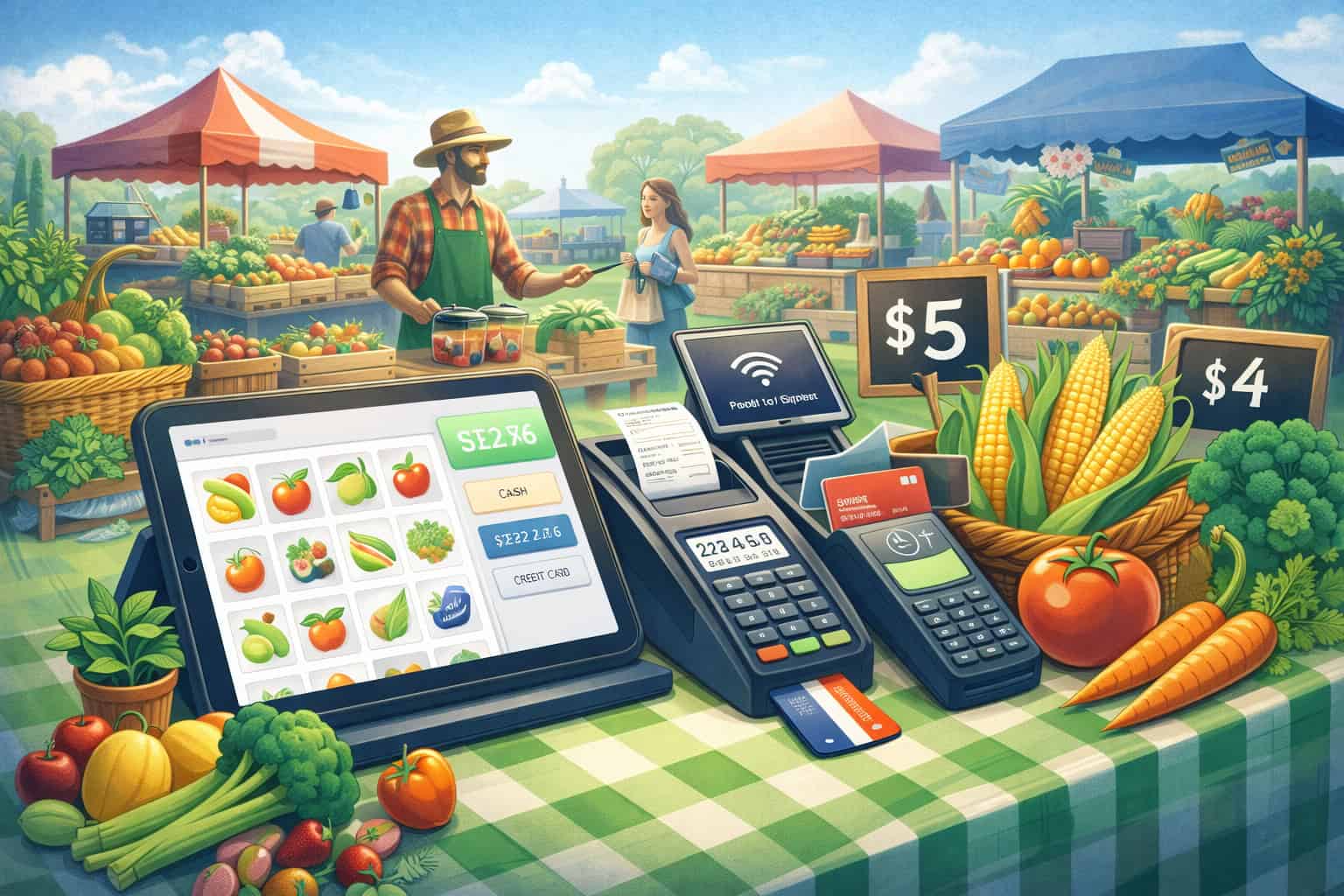
Starting your first season at a farmers market is exciting—until you realize how many small details decide whether you have a smooth, profitable day or a stressful one.
A reliable farmers market POS system is one of those details that quietly determines everything else: how fast you can serve customers, how many sales you close, how accurately you track inventory, and how clean your end-of-day accounting looks.
A modern farmers market POS system is more than a card reader. It’s your checkout counter, your receipt system, your inventory tracker, your daily sales report, and often your lightweight bookkeeping bridge.
For first-time vendors, the right farmers market POS system reduces confusion and keeps you focused on what matters: selling great products and building repeat customers.
Markets are also changing fast. Shoppers increasingly expect contactless payments, digital receipts, and quick lines. Even small booths are competing with big retailers for convenience.
On top of that, connectivity can be spotty, and you may need a setup that can keep selling even when mobile data drops—offline payment capability is becoming a make-or-break feature for many vendors. Square, for example, has expanded offline payment support across more of its hardware lineup, which matters in markets with weak signals.
This guide explains how to choose and use a farmers market POS system as a first-time vendor—step by step, in plain language—so you can avoid beginner mistakes, meet shopper expectations, and set yourself up to grow.
What a Farmers Market POS System Actually Does for a New Vendor
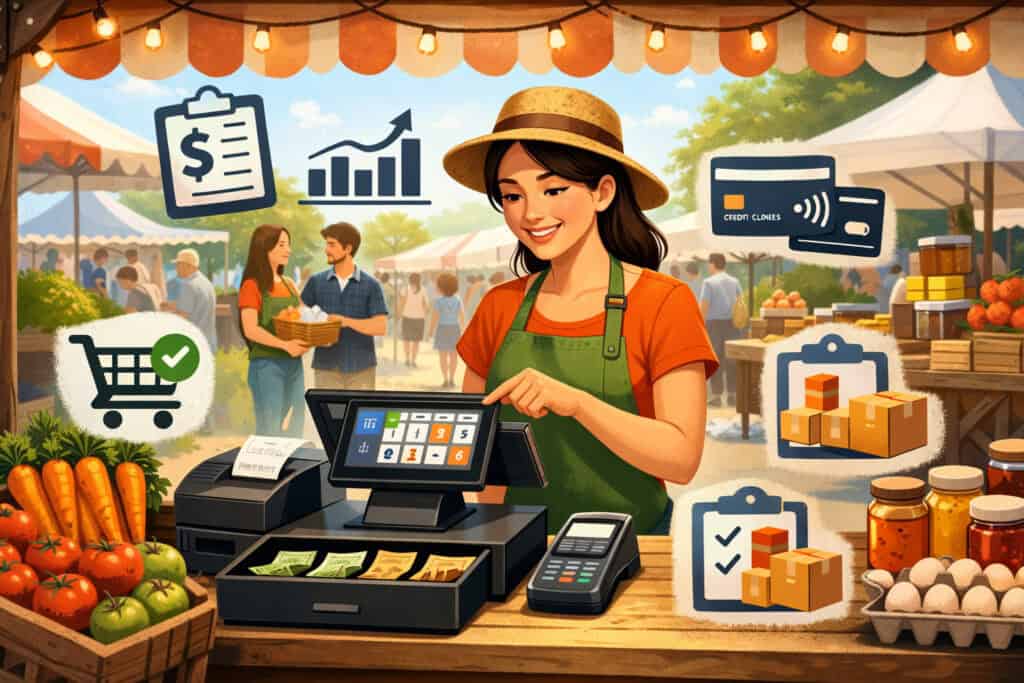
A first-time vendor usually thinks, “I just need a way to take cards.” That’s the starting point—but a well-chosen farmers market POS system becomes your operating system for market day.
First, it speeds up checkout. Faster checkout means shorter lines, and shorter lines mean fewer abandoned sales. At busy markets, your booth may have “micro-rushes” of 5–10 minutes where you either capture revenue or lose it.
A farmers market POS system helps you ring items quickly, apply discounts cleanly, and handle tips (if relevant) without awkward math.
Second, it improves accuracy. When you sell multiple items—tomatoes by the pound, eggs by the dozen, bouquets by the bunch—manual pricing can lead to mistakes. A farmers market POS system helps standardize pricing and reduces mis-keyed totals. That accuracy protects your margins and makes customers trust you.
Third, it creates records you’ll need later. Even if you keep bookkeeping simple, a farmers market POS system gives you itemized sales reports, tax-ready summaries, and an easy way to reconcile deposits to your bank account.
That matters even more as reporting rules and thresholds change over time; for example, the IRS has issued guidance and FAQs about Form 1099-K thresholds, which affects how payment activity may be reported depending on your situation.
Finally, it supports modern payment expectations. Tap-to-pay and digital wallets are now “normal” at many markets. Tap to Pay on iPhone is supported by major POS apps (for example Square, Clover, and Shopify each describe their Tap to Pay on iPhone options), which can reduce hardware needs for some vendors.
A smart farmers market POS system is less about technology and more about building a consistent, repeatable workflow you can trust.
How to Choose the Right Farmers Market POS System for Your Booth Type
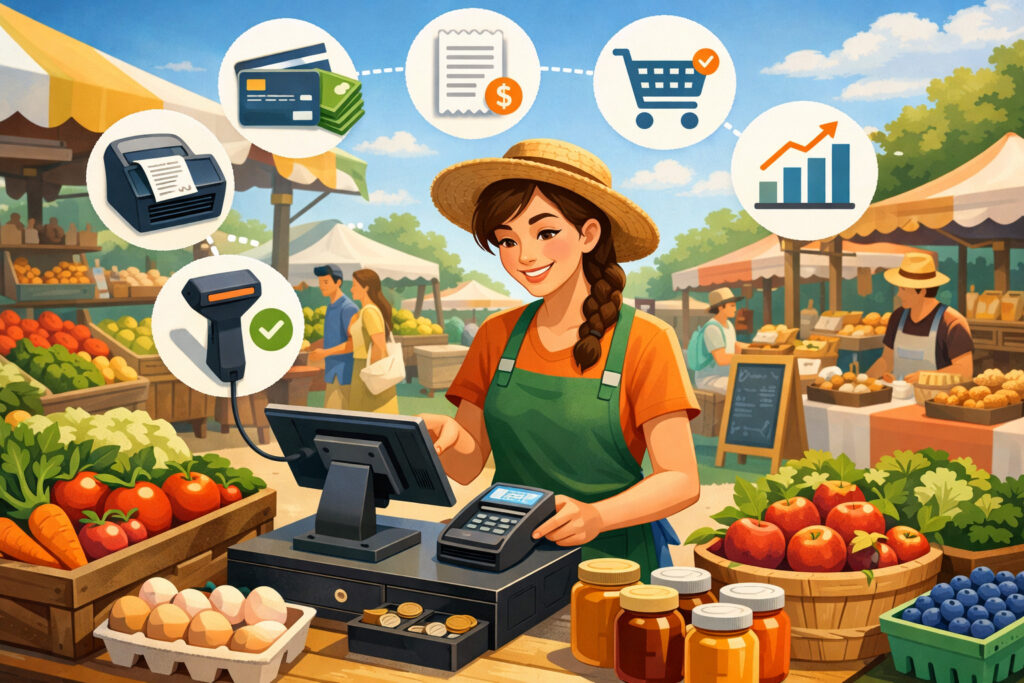
Not every vendor needs the same farmers market POS system. The “best” choice depends on what you sell, how many products you have, and how your market operates.
If you sell a small menu of items (for example, 6–20 SKUs), you want simplicity: fast buttons, easy taxes, quick receipts, and strong offline capability. If you sell a larger catalog (for example, 50–300 items), you need better inventory tools, barcode options, and clearer item-level reporting.
A good farmers market POS system should match the complexity of your booth without forcing you into a complicated setup you won’t use.
Also consider your sales style. If your booth is “grab-and-go” (baked goods, coffee, ready-to-eat items), speed matters more than deep inventory. If your booth is “high-touch” (custom bouquets, specialty foods, body care), you may need variants, notes, and flexible pricing.
Then factor in your environment. Farmers markets aren’t like indoor retail. You’ll deal with sun glare on screens, wind, dust, limited power, and inconsistent connectivity. A farmers market POS system that looks great in a showroom can be frustrating under a canopy at 9 a.m. on a hot day.
Finally, think about your growth path. If you plan to add online ordering later, start selling at multiple markets, or hire staff, your farmers market POS system should scale with multi-device support, user permissions, and stronger reporting.
Choosing a farmers market POS system is really choosing a process: how you ring sales, track products, and review performance.
Hardware Setup That Works in Real Market Conditions
A practical farmers market POS system is only as good as the hardware you bring. For first-time vendors, the goal is a setup that’s stable, easy to power, and quick to deploy.
Phone-only POS setups and Tap to Pay on iPhone
Phone-only setups are popular because they’re lightweight and low-cost. With Tap to Pay on iPhone, some POS providers let you accept contactless payments directly on an iPhone—no separate reader required—by using the POS app’s payment feature.
Apple explains the basic experience: you open the payment app, enter the amount, and the customer taps their card or device.
Square, Clover, and Shopify each promote Tap to Pay on iPhone options in their POS ecosystems, which can be attractive for new vendors trying to keep gear minimal.
That said, phone-only isn’t perfect. Some customers still want to insert a chip card, and your speed may slow down if you’re switching between product selection and payment steps on a small screen.
A phone-only farmers market POS system is best for small catalogs, low-to-moderate volume, and vendors who want the lightest kit.
Reader + phone/tablet setups for speed and professionalism
A separate card reader paired with a phone or tablet is the most common “sweet spot” for a farmers market POS system. It looks more professional, it’s faster in high traffic, and it’s often more flexible for chip and tap payments.
Tablet setups also make it easier to build product grids (big buttons), add modifiers, and reduce mistakes. If you’re selling items with similar names (three salsa flavors, five jam varieties), a tablet-based farmers market POS system usually pays for itself with fewer errors and faster lines.
Power planning: batteries, chargers, and weather reality
No one wants to talk about cables—but power is a top reason market-day POS fails. Your farmers market POS system should include: a fully charged primary device, a backup battery pack, the correct charging cable, and a plan to keep devices out of direct sun and light rain. Even a great POS app becomes useless if your phone overheats or your reader dies at noon.
A realistic hardware checklist makes your farmers market POS system dependable, not just “technically capable.”
Connectivity, Offline Mode, and How to Keep Selling When Signal Drops
Connectivity is a defining challenge for any farmers market POS system. Crowded markets overload cell towers. Rural markets may have weak coverage. And some markets are located in areas where your carrier simply struggles.
First, test your signal at the market before committing to a setup. If possible, arrive early once and check cellular strength where your booth will be. Second, bring redundancy: if your phone supports it, a second carrier SIM/eSIM can be a lifesaver. Third, understand how your POS handles offline sales.
Offline payments matter because they keep revenue flowing. Square has discussed rolling out offline payments to additional devices, including scenarios where you can take certain contactless and chip payments when you don’t have internet connection (availability can depend on device/app specifics).
Even with offline mode, you need good habits:
- Confirm what offline transactions are allowed (tap, dip, or limited types).
- Understand the risk: offline transactions are typically approved later when the device reconnects.
- Set a reasonable offline limit for high-ticket items.
- Collect customer contact info on unusually large purchases (when appropriate and permitted).
A resilient farmers market POS system isn’t just “works on Wi-Fi.” It’s designed for messy real-world connectivity, where you still need to move a line efficiently.
Payment Types You Should Support to Maximize Sales
The biggest checkout mistake first-time vendors make is limiting payment options. Your farmers market POS system should support how people actually pay today.
Cards and contactless wallets are now baseline expectations
Credit/debit cards remain essential, but digital wallets and contactless “tap” are increasingly standard. Tap to Pay on iPhone options can reduce hardware needs, and POS providers highlight that you can accept contactless cards and major wallets using supported setups.
When your farmers market POS system supports tap, you reduce friction. Customers buy more when paying feels effortless. That’s especially true for impulse items near checkout (extra pastry, add-on bouquet, another pint of berries).
Cash still matters—your POS should track it cleanly
Even if you prefer cards, markets often have cash buyers. A good farmers market POS system lets you record cash sales so your reporting stays accurate. That’s important for inventory math and end-of-day reconciliation. Tracking cash inside the same system also prevents you from “forgetting” cash revenue when you’re tired after a long day.
Tips, donations, and “round up” options
Some vendors benefit from tips (coffee, prepared foods) or donations (community-based booths). Your farmers market POS system should make these options quick and non-awkward. The easier it is, the more likely customers participate.
Supporting multiple payment types inside one farmers market POS system is one of the simplest ways to increase conversion and average ticket size.
Fees, Pricing Models, and What First-Time Vendors Should Watch For

A farmers market POS system can look inexpensive until fees add up. To avoid surprises, focus on how costs behave on a busy weekend.
Most setups include:
- Payment processing fees (usually a percentage + a small fixed fee per transaction)
- Hardware cost (reader, stand, terminal, or tablet accessories)
- Optional monthly software fees (more common when you want advanced inventory, staff accounts, loyalty, or invoicing)
For first-time vendors, the best approach is to map costs to real behavior:
- If you sell many small-ticket items (for example, $5–$10), per-transaction fees matter a lot.
- If you sell fewer high-ticket items (for example, $30–$80), the percentage fee matters more.
- If you do both, you want strong reporting so you can understand your true margin per product.
Also watch for add-ons that “sound optional” but become necessary:
- Advanced inventory
- Email/SMS marketing
- Multiple device support
- Team permissions
- Accounting integrations
A smart farmers market POS system choice isn’t the cheapest in a vacuum—it’s the one that keeps total cost predictable while making checkout faster and reporting cleaner.
Inventory and Product Setup for Farmers Market Selling
Inventory is where a farmers market POS system becomes a real business tool instead of a payment gadget.
If you’re new, start simple. Build a product list that matches how customers think:
- Group items by category (greens, herbs, fruit, bakery)
- Use clear names (avoid internal shorthand)
- Add variants if needed (small/large, flavor options)
- Set tax rules once so you don’t do it manually every sale
Then decide whether to track inventory by count or by weight.
- Count-based inventory is easier (12 loaves, 30 jars, 20 bouquets).
- Weight-based selling is common for produce. If you sell by the pound, you may not track “inventory units” as precisely, but your farmers market POS system can still track sales totals per item and help you estimate demand.
The biggest benefit of inventory features is learning what to bring next time. Your farmers market POS system reports will show:
- Top sellers
- Time-of-day spikes
- Which items sell together
- Which items consistently underperform
That turns “guessing” into planning. Over a season, a well-used farmers market POS system can reduce waste, improve your product mix, and increase profit without increasing effort.
Receipts, Taxes, and Recordkeeping Without Overcomplicating Your Life
Many first-time vendors avoid recordkeeping until it becomes stressful. A farmers market POS system helps you stay organized without needing to be an accountant.
Digital receipts are a major advantage in markets. They reduce paper use and make customers feel like they’re buying from a modern business. They also say “Can I get a receipt?” friction, especially for higher-ticket purchases.
From the business side, your farmers market POS system creates:
- Daily sales summaries
- Deposits and payout records
- Item-level sales totals
- Refund/void logs
These records matter for taxes and compliance. Rules can change, and vendors should watch official guidance. For example, the IRS has published updates and FAQs related to Form 1099-K thresholds, which can affect how certain payment activity is reported depending on your totals and transaction counts.
Your best practice is simple: reconcile weekly.
- Compare POS payout reports to bank deposits
- Export monthly summaries
- Keep a folder for expense receipts (supplies, packaging, booth fees)
A farmers market POS system doesn’t replace good habits, but it makes good habits easy enough that you actually do them.
SNAP/EBT at Farmers Markets and How POS Fits In
For many markets, accepting nutrition benefits expands access and increases sales. Whether you personally handle SNAP/EBT depends on how your market is structured, but you should understand the system because it affects workflow and customer experience.
Central scrip/token systems and why they exist
Many markets use a central terminal at a market booth to process EBT and then issue market currency (tokens, paper scripts, or receipts) that shoppers spend with vendors. USDA describes this as a “scrip system,” where a single POS device at a central location processes EBT and issues the market’s own currency.
This structure is common because it simplifies vendor onboarding. Instead of every booth handling benefit transactions, the market manages it centrally and vendors accept tokens.
Equipment guidance and reducing stigma in transactions
Some resources emphasize that when markets allow multiple payment types to purchase tokens (not only SNAP), it can reduce stigma because SNAP customers don’t stand out as much. Guidance for markets and vendors discusses how using POS devices for multiple payment types can help normalize transactions.
The Farmers Market Coalition also provides guidance on selecting processing support and POS equipment for SNAP/EBT acceptance at markets, including the idea that a third-party processor/merchant service provider may be involved for transactions and deposits.
What first-time vendors should do
Even if the market runs SNAP centrally, your farmers market POS system still matters because it helps you:
- Track token sales (record as “cash” or “other tender,” depending on your setup)
- Separate token revenue for reconciliation
- Keep clean totals for end-of-day reporting
If your market allows vendors to process directly, you’ll need to follow the market’s rules and applicable program requirements. In either case, aligning your farmers market POS system workflow with the market’s SNAP approach makes market day smoother and reduces confusion for customers.
Market-Day Workflow: A Step-by-Step Checkout Process That Stays Fast
A farmers market POS system isn’t just what you buy—it’s how you use it on a busy morning. First-time vendors do best with a repeatable script.
Start with a “default sale” flow:
- Greet and confirm items
- Enter items quickly (buttons, search, or barcode)
- Confirm total
- Choose payment method
- Offer receipt (digital preferred)
- Thank and invite them back
Then design your booth around checkout. Place your POS where customers naturally finish shopping, but not where the line blocks browsing. Keep bags, labels, and any add-on items within arm’s reach of the POS so you aren’t stepping away mid-transaction.
Also build a backup plan:
- If your reader fails, know how to switch to Tap to Pay (if you have it enabled) or key-enter (if permitted and appropriate).
- If signal drops, know whether your farmers market POS system supports offline transactions and what the limits are. Square’s offline payment expansion across devices shows why this capability is increasingly relevant for sellers in inconsistent connectivity environments.
- If your main device overheats, have a secondary phone logged in and ready.
When your workflow is consistent, your farmers market POS system becomes invisible—in the best way. You stop “operating a device” and start serving customers.
Customer Experience Features That Help You Win Repeat Buyers
Farmers markets thrive on relationships. The right farmers market POS system helps you turn one-time buyers into regulars without feeling pushy.
Digital receipts can include your business name and sometimes contact details, helping customers remember you later. Some systems support customer directories or simple email capture prompts. If your product has repeat potential (weekly produce, seasonal baked goods, skincare refills), light-touch email capture can be powerful.
Discounts are another tool. A farmers market POS system that easily applies:
- bundle pricing (3 for $10)
- end-of-day specials
- loyalty punch equivalents (digital or manual) helps you move product while protecting margin.
Speed is also part of customer experience. Modern shoppers expect quick checkout, especially when they’re carrying bags and juggling kids or pets. Supporting contactless payments and fast item selection makes your booth feel “easy,” which influences where customers return next week.
Finally, professionalism matters. A clean, confident checkout using a farmers market POS system signals reliability. Customers are more comfortable buying higher-ticket items—like a large meat purchase, gift bundle, or multi-jar pantry stock-up—when payment feels secure and familiar.
Security and Fraud Basics for Outdoor Selling
Security at a farmers market is different from a storefront, but it still matters. Your farmers market POS system should help reduce risk without slowing you down.
Start with access control. If you have helpers, create separate logins (if your system supports it) so you can track refunds and voids properly. If not, at least set clear rules: who can issue refunds, who can comp transactions, and how you record mistakes.
Second, protect devices physically. Outdoor markets are crowded. Keep devices tethered, don’t leave a tablet unattended, and avoid placing your phone on the customer side of the table.
Third, understand offline risk. Offline payments can be helpful when connectivity drops, but they can also increase exposure because transactions may finalize later. Use offline mode thoughtfully for a farmers market POS system: keep limits reasonable, and be cautious with unusually large purchases when you aren’t connected.
Finally, protect customer trust. Always present the screen clearly, confirm totals, and offer receipts. A consistent, transparent checkout with your farmers market POS system reduces disputes and builds confidence.
Scaling Up: When to Upgrade Your Farmers Market POS System
The first season teaches you what you actually need. Your farmers market POS system should be able to grow with you—but you should also know the signs that it’s time to upgrade.
Upgrade when:
- Your line is consistently long and you’re losing sales
- You’re adding staff and need permissions or multiple devices
- You’re expanding to multiple markets and need consolidated reporting
- You’re adding online preorders or pickup and want inventory alignment
- Your catalog is growing enough that manual item lookup slows you down
Scaling doesn’t always mean buying expensive hardware. Sometimes it means moving from phone-only to tablet + reader. Sometimes it means adding a second device so one person can take payments while another bags items. Sometimes it means turning on inventory alerts or setting up product categories more intelligently.
Also watch industry shifts. Tap-to-pay options are expanding across major platforms, reducing friction and hardware needs for certain sellers. Offline capability is also improving across popular ecosystems, which changes what “market-ready” means for a farmers market POS system.
Scaling is easier when your farmers market POS system is chosen with growth in mind from day one.
Future Predictions: Where Farmers Market POS Systems Are Headed Next
The next few years will likely reshape the farmers market POS system landscape in ways that benefit small vendors—especially those who start with flexible, app-based setups.
First, phone-based acceptance will become even more common. Tap-to-pay directly on phones reduces the barrier to entry for new vendors and supports pop-up selling without dedicated hardware.
Apple’s positioning of Tap to Pay on iPhone—and the fact that major POS providers actively support it—signals that “your phone is the terminal” will keep expanding.
Second, offline selling will keep improving. More vendors demand the ability to accept payments when connectivity is weak, and major providers are investing there. Square’s communications about offline payments across more devices illustrates the direction: fewer missed sales because the internet failed.
Third, POS reporting will get more “smart.” Even small vendors will expect insights like: best sellers by hour, suggested restock quantities, and seasonal forecasts. That kind of predictive reporting is already normal in bigger retail.
As competition increases at markets, a farmers market POS system that helps you decide what to bring next week becomes a competitive advantage.
Finally, benefit acceptance systems may keep evolving. Many markets are improving how they handle SNAP/EBT and scrip systems to reduce friction and stigma, guided by program structures and best practices. A farmers market POS system that cleanly records tender types and supports token workflows will remain valuable.
The vendors who win will treat their farmers market POS system as a growth tool, not just a card reader.
FAQs
Q.1: What is the simplest farmers market POS system setup for a brand-new vendor?
Answer: The simplest farmers market POS system setup is usually a smartphone-based POS app paired with either (1) Tap to Pay on iPhone (if you have a compatible iPhone and supported provider) or (2) a small contactless/chip reader.
Tap-to-pay can reduce gear because your phone becomes the acceptance device, and major providers describe that you can accept contactless cards and wallets through their supported Tap to Pay on iPhone flows.
For a first-time vendor, simplicity matters more than “perfect.” Your priority should be: stable checkout, easy product buttons, and reliable payouts. If you only sell a handful of items, phone-only might be enough. If you sell many items or expect a rush, a tablet plus reader often feels faster and more professional as a farmers market POS system.
Also think about your environment. If your screen will be in direct sun, larger displays can be easier to read and reduce mistakes. And if your market has weak signal, prioritize a farmers market POS system with practical offline options so you don’t lose sales when connectivity drops.
Q.2: Do I need Wi-Fi at the market to run a farmers market POS system?
Answer: You don’t always need Wi-Fi, but you do need a connectivity plan. Many vendors use cellular data. However, markets can have weak or overloaded signal. That’s why offline capability is becoming more important for a farmers market POS system.
Some providers have expanded offline payment features across more hardware so sellers can take certain transactions when the internet is down, then finalize when reconnecting. Square has discussed offline payment availability and expansion across devices, which is relevant for market environments.
Even if you have offline mode, treat it as a backup, not your default. Confirm what transaction types are supported offline, set sensible limits, and reconnect as soon as possible to reduce risk.
Q.3: How do farmers markets accept SNAP/EBT, and can my POS handle it?
Answer: Many markets use a centralized system rather than having each vendor process benefits directly. USDA describes a “scrip system” where a central POS device processes EBT and issues market currency (tokens, paper scrip, or receipts) for customers to spend with vendors.
In that model, your farmers market POS system is still useful because you can record token sales consistently, separate tender types, and keep accurate reporting.
Additional guidance emphasizes operational choices that can reduce stigma, such as systems where multiple payment types can purchase tokens rather than only SNAP customers using a special process.
If your market allows direct vendor processing, you’ll need to follow program rules and market requirements. The Farmers Market Coalition provides guidance on selecting POS equipment and processing support for SNAP/EBT implementation at markets.
Q.4: Will I get tax forms from my farmers market POS system payments?
Answer: Possibly, depending on your payment volume and how rules apply to your situation. Payment processors and platforms may issue reporting forms under certain conditions. Because thresholds and rules can change, rely on official guidance. The IRS has issued FAQs and updates about Form 1099-K thresholds under recent law changes.
A farmers market POS system helps regardless because it keeps transaction records, payout histories, and sales summaries that make tax filing easier. Your best move is to export monthly reports and reconcile deposits so you’re never surprised.
Q.5: What’s the biggest POS mistake first-time farmers market vendors make?
Answer: The biggest mistake is choosing a farmers market POS system based only on “lowest upfront cost” and ignoring real market conditions—sun glare, battery life, weak signal, and rush-hour speed.
The second biggest mistake is not building a product button layout before the first market day. If you’re searching for items mid-line, you’ll slow down, feel stressed, and lose sales.
A reliable farmers market POS system is one you can set up fast, run all day, and trust when things get busy.
Q.6: Can I run the same farmers market POS system for pop-ups, CSA pickups, and small events?
Answer: Yes—and that’s one reason app-based POS is popular. A well-chosen farmers market POS system can follow you to pop-ups, pickup sites, seasonal events, and partner locations without changing your process.
The key is choosing a system that supports mobile selling, clear item lists, digital receipts, and flexible payment types. Tap-to-pay options can make mobility even easier, and major providers support Tap to Pay on iPhone in their ecosystems.
Conclusion
A first season at the market rewards vendors who keep operations simple, consistent, and customer-friendly. The right farmers market POS system helps you do exactly that—by speeding up checkout, reducing mistakes, keeping records organized, and letting customers pay the way they prefer.
Focus on reliability over complexity. Make sure your farmers market POS system works in bright sun, runs all day on battery plans, and can handle connectivity issues. Offline capability is increasingly important, and major providers have been expanding features that help sellers keep accepting payments when the internet drops.
Consider whether Tap to Pay on iPhone can reduce your hardware burden, and remember that several major POS ecosystems support it.