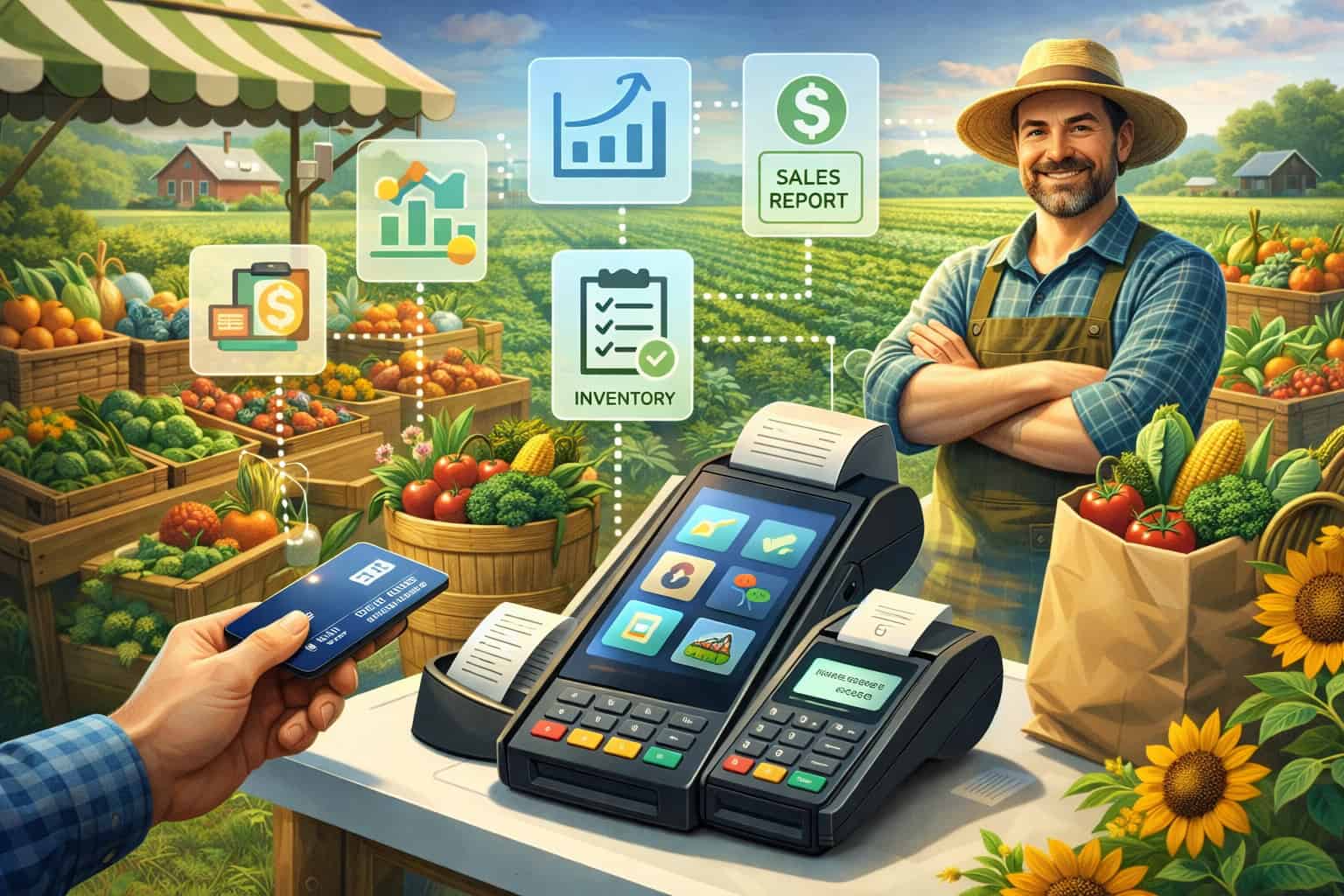
Farmers don’t buy a point-of-sale system to “digitize.” They buy it to sell faster, keep lines moving, avoid payment headaches, track what actually made money, and get home before dark.
The best setup is the one that works in real market conditions: bright sun on a screen, shaky Wi-Fi, gloves on hands, muddy booths, split payments, last-minute price changes, and customers who want to tap and go.
That’s why the farmers market POS category has its own set of must-have capabilities that look different from a retail store checkout.
A modern farmers market POS must support quick ring-up, flexible product entry, reliable card acceptance, and simple inventory tracking—without adding complexity.
It should also help farmers answer real questions: Which products sell out first? Which bundle increases the average order value? Which markets are worth returning to? Which items are seasonal winners? The right farmers market POS turns those questions into clear reports, not guesswork.
This guide breaks down the key POS features farmers actually use, with practical examples, setup tips, and forward-looking predictions about where farmers market POS technology is headed.
You’ll see which features matter most for produce, meat, eggs, baked goods, flowers, prepared foods, and value-added items—plus what to prioritize when you’re building a checkout flow that customers love and you can trust every weekend.
What Farmers Need From a POS at the Stand

A successful booth has a rhythm: greet, weigh or count, confirm price, collect payment, bag, and move to the next customer. When a POS slows that rhythm, it costs real sales.
Farmers consistently value a farmers market POS that reduces taps, reduces errors, and reduces payment friction. They also need it to remain usable when conditions aren’t ideal—because markets are outdoor retail, not climate-controlled retail.
A strong farmers market POS should work with limited staff training. Many booths rely on family members, seasonal help, or volunteers. The interface must be simple: big buttons, clear product names, quick search, and fast checkout.
It should also support farmers who change prices often due to supply and seasonality. If you have to reconfigure the system to switch “$6 pint” to “$5 pint” mid-morning, you’ll fall behind.
Farmers also need flexibility for how they sell. Some items are sold by unit (a loaf, a bouquet), others by weight (tomatoes, meat), and others by variable pack sizes (dozens, half dozens, mixed bags).
A practical farmers market POS supports all of that without workarounds. It should allow manual price overrides with permission controls, and it should support custom notes (like “greenhouse cucumbers” vs “field cucumbers”) so reporting remains accurate.
Finally, the POS must support compliance realities: taxes where applicable, proper receipt options, and payment security. The best farmers market POS helps you stay professional without turning you into an accountant on market day.
Fast Checkout Features That Keep Lines Moving
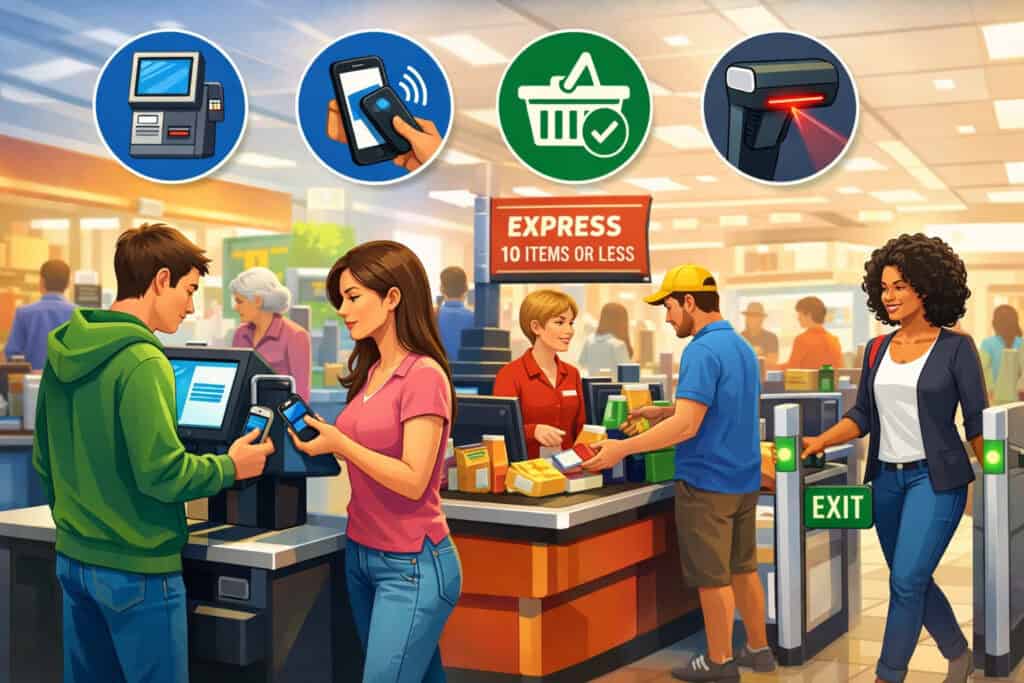
Speed is the feature that customers feel immediately. A farmers market POS can be “full-featured,” but if it takes too long to ring up a simple order, it will hurt you. Farmers use speed-focused tools every single market day, because lines are the difference between selling out early and watching customers walk away.
Quick Item Buttons and Smart Product Search
The most used screen in a farmers market POS is the item grid. Farmers rely on quick buttons for top sellers: eggs, tomatoes, greens, berries, honey, baked goods, and bouquet bundles. The winning approach is a grid that you can customize by season and by market.
For example, spring grids emphasize greens and starts; summer grids prioritize tomatoes, peaches, berries; fall grids focus on squash, apples, preserved goods. A smart farmers market POS lets you copy and tweak layouts so you’re not rebuilding every few weeks.
Search matters too. Customers often ask for “that spicy salsa” or “the sourdough.” If product names are consistent and searchable, your staff can find items instantly.
Farmers also benefit from category filters like Produce, Protein, Baked, Flowers, Pantry, and Prepared. The goal is fewer taps, less scrolling, and fewer mis-rings. With a good farmers market POS, your booth gets faster without feeling rushed.
A practical tip farmers use: assign images or color blocks to core products. In outdoor light, visual recognition can be faster than text. The best farmers market POS interfaces are readable in sunlight and still clear when a screen is smudged or wet.
Flexible Pricing: By Weight, By Unit, and Bundle Deals
Farmers rarely sell everything at a fixed price. Pricing changes with supply, weather, and customer demand. A feature farmers actually use is mixed pricing: by-weight items (bulk produce, meat cuts), by-unit items (eggs, loaves, flowers), and by-bundle pricing (mix-and-match deals).
A reliable farmers market POS supports per-pound pricing with a connected or integrated scale or a quick manual weight entry. Even when scales aren’t integrated, the POS should allow a smooth flow: enter weight → auto-calc total → add to cart.
Bundles matter because they raise the average sale while helping you move inventory. Common farmers market bundles include “3 for $10” on produce, “bread + jam” combos, “salad kit” bundles, or “buy 2 get $1 off” on pints.
Farmers use a farmers market POS that can apply discounts quickly without confusing staff. The best systems support automatic bundle rules or simple discount buttons, so the checkout still feels clean and professional.
This isn’t just about revenue—bundling reduces end-of-day leftovers. A farmers market POS that supports quick bundle pricing helps farmers make real-time decisions that protect margins.
Offline Mode and “Bad Signal” Reliability
Outdoor markets often have spotty connectivity. Farmers use offline or store-and-forward features because they can’t afford payment downtime. A reliable farmers market POS should keep the cart working even when internet drops.
That includes product entry, totals, and receipts that can be queued. For card payments, the details depend on hardware and processor rules, but farmers consistently want a farmers market POS that can recover gracefully: it should clearly show which transactions are pending, which are completed, and which need attention.
Reliability also includes battery performance. Farmers value a setup that can last a full market shift without scrambling for power. If your POS device dies mid-line, you lose sales and credibility. This is why many farmers choose a farmers market POS that supports low-power modes, simple accessories, and quick device swaps.
Payment Features Farmers Rely On Every Market Day
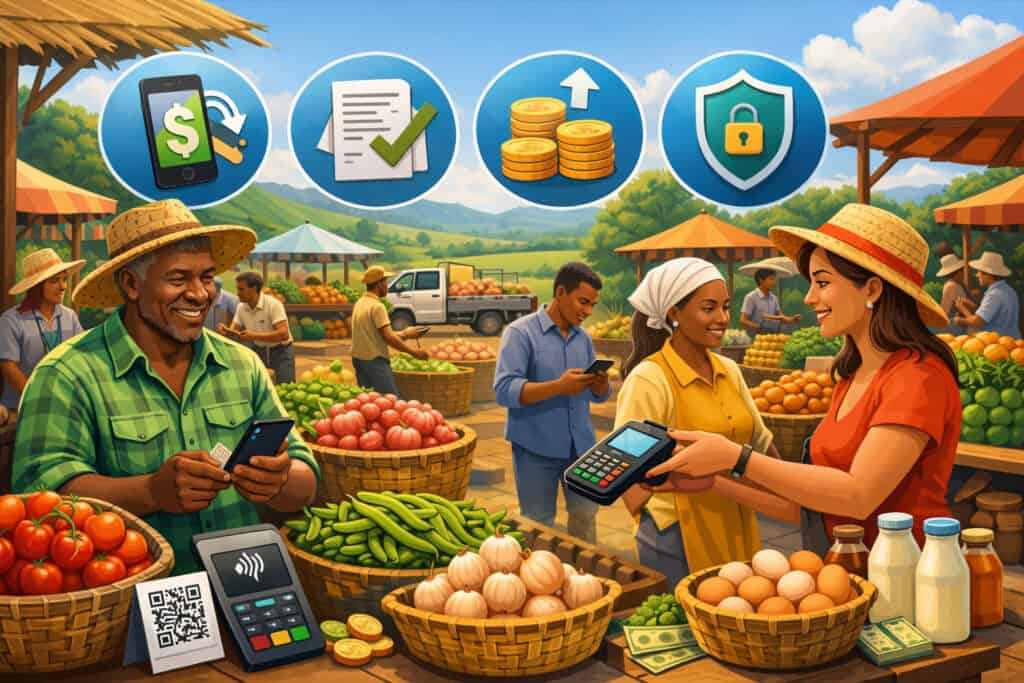
Customers come expecting to pay the way they prefer. Farmers use payment features constantly, and these features directly impact sales volume. If your farmers market POS can’t accept the payment type a customer has in hand, you’ll hear “I’ll be back,” and many won’t return.
Tap-to-Pay, Chip, and Contactless Wallets
Contactless payments are now a default expectation. Farmers use tap-to-pay because it’s faster and reduces handling of cards and cash. A strong farmers market POS supports contactless wallets alongside chip and swipe.
The practical benefit is speed and fewer declined transactions due to worn magnetic stripes. Tap is also helpful when customers are holding kids, bags, or coffee—less fumbling, faster flow.
Farmers also value clear prompts on-screen. Outdoor noise can make it hard to hear. A farmers market POS that displays simple “Tap/Insert Now” instructions prevents awkward pauses at checkout. Receipts should be optional—text/email receipts are common—because printers add friction and maintenance.
Prediction: more markets will adopt “phone-as-terminal” options that allow staff to accept tap payments without extra readers. As these tools mature, farmers market POS setups will become lighter, cheaper, and easier to deploy across multiple checkout points.
Split Payments, Tips, and Partial Purchases
Split payments are real at markets. One person buys produce, another pays for meat, or a couple splits a large purchase. Farmers use split tender features because they prevent lost sales and keep customers happy.
A farmers market POS should allow: part cash/part card, multiple cards, and partial payments without requiring a complicated refund process.
Tipping is also relevant for prepared foods, coffee stands, and value-added items. Farmers and vendors use tip prompts when it fits the business model, but they need control over how it’s presented.
A farmers market POS should let you turn tipping on or off by device or product category, and it should keep tip reporting clean for end-of-day reconciliation.
Partial purchases happen when customers change their mind after seeing the total. Farmers use void and edit features to remove an item quickly, with permission controls to prevent misuse. The best farmers market POS makes edits obvious and traceable, so your totals and reporting remain trustworthy.
Refunds, Exchanges, and Dispute-Proof Receipts
Refunds aren’t as common at markets as in big-box retail, but they happen—especially with prepared foods, damaged goods, or mistaken charges. Farmers use quick refunds because they protect reputation and reduce chargeback risk.
A farmers market POS should make it easy to locate a transaction, confirm the amount, and process a refund without digging through menus.
Receipts matter more than many farmers expect. Even if customers don’t request them, a receipt record protects the vendor.
A clean farmers market POS receipt includes business name, date/time, item summary, and payment method. Digital receipts are useful because customers can search them later, and vendors have a paper trail if a dispute occurs.
Inventory and Product Management Farmers Actually Use
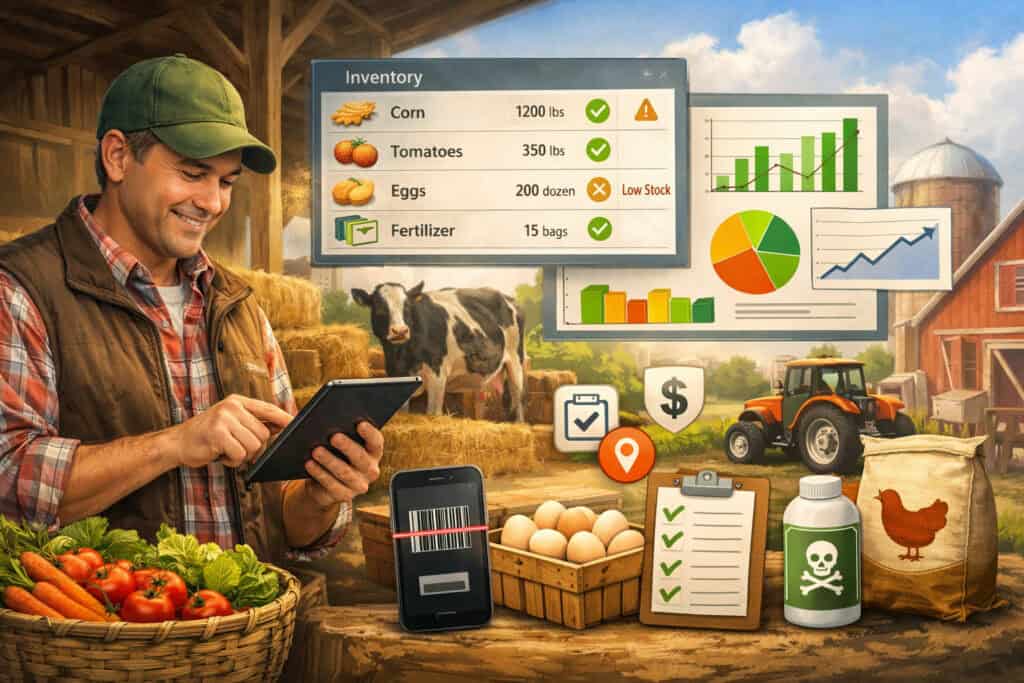
Inventory at a market is not like inventory in a store. You’re bringing a limited quantity, selling fast, and trying to predict what will sell out. Farmers don’t need warehouse software—they need simple, accurate visibility. The most-used inventory tools in a farmers market POS help track what’s selling and what’s left without slowing checkout.
Simple Item Counts and Low-Stock Alerts
Farmers use straightforward counts: “we brought 60 dozen eggs,” “we have 40 loaves,” “we packed 25 ribeyes.” A practical farmers market POS lets you set starting quantities and decrement automatically with each sale. This helps you spot sellout risk early and adjust marketing: if eggs are flying, you can raise the limit, bundle them, or shift your pitch.
Low-stock alerts are valuable when you have multiple staff members. If one person is ringing and another is restocking, the POS should display a simple warning like “Only 5 left.” It prevents overselling and awkward customer interactions. Farmers also use “stop selling” toggles when an item is gone, so staff doesn’t accidentally ring it up.
The key is that the farmers market POS must keep inventory management optional and lightweight. If tracking takes too long, farmers won’t do it. The best systems make it fast enough that it becomes part of the routine.
Variants, Pack Sizes, and Seasonal Product Switching
Farm products come in variants: tomato types, egg sizes, sausage flavors, jar sizes, spice levels, and more. Farmers use variants because it keeps the product list manageable and reporting clearer.
Instead of 20 separate listings, you can use one item with options. A strong farmers market POS supports variants without making checkout slower.
Pack sizes are another reality. You might sell berries in half-pints and pints, or meat in different weights. Farmers use a farmers market POS that supports multiple price points for the same product family. Seasonal switching is equally important.
When asparagus ends and peaches start, farmers need to hide old items quickly and add new ones without losing last year’s history. A good farmers market POS makes seasonal management a normal workflow, not a technical project.
Prediction: we’ll see smarter seasonal suggestions, where the farmers market POS recommends product layouts based on last season’s sales, weather trends, and market calendar timing.
Barcode Support and Label Printing (When It’s Worth It)
Not every farm needs barcodes, but some do—especially value-added goods like jam, honey, sauces, coffee, or packaged snacks. Farmers who use barcodes do it for speed and accuracy. A farmers market POS with barcode scanning can reduce mis-rings and speed up checkout when you have many packaged SKUs.
Label printing becomes relevant for compliance-heavy products, gift packs, and prepared foods. Farmers use labels for pricing, ingredients, and batch codes. But label workflows must be simple; otherwise, they become a burden. For most market sellers, barcode and label tools are “nice-to-have” rather than essential—unless the product line is heavily packaged.
Practical rule: if your booth sells mostly loose produce, focus on quick buttons and scale workflow. If you sell mostly packaged goods, barcode support in your farmers market POS can make a noticeable difference.
Reporting and Insights That Help Farmers Make Better Decisions
Farmers don’t want reports for the sake of reports. They want answers that improve next week’s market. The reporting features farmers actually use in a farmers market POS are the ones tied to operational decisions: what to bring, what to price, and where to show up.
Best Sellers, Sellout Timing, and Product Profit Signals
Best-seller reporting is the most used report for many vendors. Farmers look at what sold the most units, what generated the most revenue, and what consistently sells out early.
A farmers market POS that shows sellout timing helps you plan production and packing. If you sell out of blueberries by 10:30 a.m. every weekend, you can bring more, raise the price slightly, or bundle them for higher value.
Profit signals matter too. Even if a POS doesn’t track full cost of goods, it can still help with margin thinking by showing revenue per product and discount frequency. Farmers use this to see whether a discount strategy is working or just reducing revenue.
Prediction: more farmers market POS platforms will introduce “suggested pricing” tools that learn from your historical sales and local demand patterns, helping vendors test price points with less risk.
Market-by-Market Performance and Vendor ROI
Farmers often sell at multiple markets. The question becomes: which market is worth the time, stall fee, and labor? Farmers use market-level reporting to compare revenue and product mix across locations. A useful farmers market POS lets you tag sales by market or device, making it easy to review performance by venue.
This helps with real planning. If Market A generates high revenue for produce but low for baked goods, you can adjust product mix. If Market B produces fewer sales but higher average order value, you might staff it differently. The point is simple: a farmers market POS that supports location tagging gives you a clearer picture of ROI.
Farmers also use this data when considering CSA recruitment. If a market consistently yields strong customer engagement, it’s a good place to promote subscriptions. Your POS data becomes a business strategy tool.
Customer Trends Without Overcomplicating CRM
Farmers value repeat customers, but they don’t want a complicated CRM. The most used customer tools in a farmers market POS are lightweight: optional customer profiles for emailed receipts, simple loyalty punch systems, and occasional promo codes. Vendors use these tools to bring customers back next week without making checkout awkward.
A good farmers market POS also supports notes like “prefers gluten-free” or “asks for bulk orders,” but only if it’s easy to capture. Many farmers prefer minimal data collection to keep lines moving. The winning balance is: collect only what helps sales, and keep it optional.
Prediction: customer features will become more “consent-first” and value-driven—like opt-in reorder reminders or seasonal product alerts—so customers feel helped, not tracked.
Operational Features That Reduce Stress on Market Day
Some POS features don’t sound exciting, but farmers use them constantly because they reduce chaos. A farmers market POS must support clean operations: staff permissions, cash tracking, easy end-of-day closeout, and fast troubleshooting when something goes wrong.
Staff Roles, Permissions, and Accountability
Many stands have multiple people working: one rings, one bags, one restocks. Farmers use staff roles to prevent errors and reduce theft risk. A farmers market POS should allow unique logins or quick staff switching so you can track voids, discounts, and refunds by user. This is not about mistrust—it’s about clarity.
Permissions are especially helpful for price overrides. Farmers want experienced staff to adjust prices when needed, but they may restrict new staff from making large discounts. A practical farmers market POS lets you set simple rules: who can void, who can refund, who can apply custom discounts.
This reduces end-of-day confusion. If your cash drawer doesn’t match, you can trace unusual actions. Accountability features protect relationships and keep the business running smoothly.
Cash Drawer Management and End-of-Day Reconciliation
Cash still matters at markets. Farmers use cash tracking to reconcile sales and reduce mistakes. Even if you don’t use a physical drawer, you still need a clear method: starting cash, cash in, cash out, and expected cash on hand. A farmers market POS that supports cash counts and shift summaries saves time at closing.
End-of-day reports should be readable. Farmers want totals by payment type, total discounts, total tax (if applicable), and top items. The best farmers market POS produces a closeout report that matches real life: the number you deposit, the number you expect, and the list of exceptions to review.
Prediction: reconciliation will get easier through automated bank matching and consolidated reporting across markets, making weekend bookkeeping less painful.
Receipts, Notes, and Special Orders
Special requests happen: “Can I pick up two dozen next week?” “Can you hold a loaf?” “Do you have bulk pricing?” Farmers use notes and special order tracking to capture these requests. A good farmers market POS allows quick notes attached to a customer profile or receipt.
Receipts can double as a communication tool. Farmers use text/email receipts to share a pickup reminder, social links, or a seasonal product announcement—without turning checkout into a marketing pitch. If the POS supports a simple receipt footer message, it becomes an easy way to drive repeat visits.
Hardware Features That Matter for Outdoor Selling
Farmers don’t just buy software. They buy a working booth system. Hardware choices determine whether the POS is usable in sun, heat, cold, or rain. A farmers market POS that supports reliable hardware options is the difference between a smooth day and a stressful one.
Sunlight Readability, Rugged Cases, and Battery Strategy
Sunlight readability is a real feature. Farmers use screens that remain visible outdoors and cases that protect devices from drops. A rugged case and a screen protector can prevent a single accident from ruining a market day.
Battery strategy matters too. Farmers use battery packs or devices with strong battery life because power access isn’t guaranteed.
A practical farmers market POS setup includes: one primary device, one backup payment option, and a battery plan. If your primary device fails, you need a fast fallback. The POS should make logging into a backup device simple, with synced products and pricing.
Prediction: outdoor-optimized POS hardware will become more common, including devices designed specifically for bright environments and all-day operations.
Scales, Printers, and When to Keep It Minimal
Weighing items is central for many farmers. If you sell by weight, your farmers market POS should support scale workflows that don’t slow the line. Some vendors use integrated scales; others use a separate scale and manual entry. Either way, the POS must make weight entry fast and accurate.
Printers are optional for many markets. Farmers often prefer digital receipts to avoid paper and maintenance. But for certain product categories or customer preferences, printed receipts can help. The key is making printing optional and quick, not mandatory.
Minimal setups win more often than complicated ones. Many farmers succeed with a simple farmers market POS device, a card reader, and clear product buttons. Add hardware only when it truly speeds up your work or supports compliance needs.
Multi-Device Checkout for Busy Booths
When lines get long, farmers sometimes add a second checkout point. A farmers market POS that supports multiple devices under one catalog helps you scale. The products, pricing, and reports should stay consistent across devices.
Multi-device support is especially useful for stands that sell both produce and prepared food, or for operations that separate “quick grab items” from “weighed items.”
Farmers use this feature on peak weekends, holidays, and festival markets. It can raise sales simply by reducing wait time.
Security, Compliance, and Trust Features Customers Expect
Even at a casual market, customers expect professional payment handling. Farmers use security features indirectly—they may not think about them daily, but they matter for preventing fraud, chargebacks, and compliance problems.
Secure Card Processing and Clear Transaction Records
A trustworthy farmers market POS uses secure payment processing standards and keeps transaction records organized. Farmers benefit from clear receipts and audit trails because they reduce confusion when a customer questions a charge. The POS should show transaction status clearly and avoid duplicate charges, especially when connectivity is unstable.
A simple practice farmers use: verify the total on screen before finalizing payment. The POS should support a clear “review cart” moment without slowing the flow. When customers trust the process, they come back.
Tax Handling and Product Category Rules
Tax rules vary by location and product type. Farmers use a farmers market POS that can apply tax correctly where required and keep food categories organized. Even if many items are non-taxable in certain areas, having a system that can handle mixed tax categories helps vendors stay accurate.
The best approach is configurable tax settings and product-level tax flags. Farmers don’t want to calculate tax manually at the booth. A farmers market POS that handles it behind the scenes reduces errors and saves time.
Fraud Prevention and Chargeback Readiness
Chargebacks are uncommon at markets, but they do happen. Farmers protect themselves with clean receipts, clear business names on statements, and consistent transaction records. A farmers market POS that supports good documentation helps vendors respond quickly if a dispute arises.
Future Predictions for Farmers Market POS Technology
The next wave of farmers market POS tools will focus on reducing friction even more while giving farmers better planning insight. The goal will be simple: fewer taps, fewer surprises, and more clarity about what to grow, make, and bring.
Expect more automation around seasonal catalogs. A farmers market POS will likely suggest product lists based on last year’s market calendar, then adjust based on weekly sales.
Expect better integration with preorder systems, letting customers reserve items for pickup while still supporting walk-up buyers. This will help farmers reduce waste and stabilize revenue.
You’ll also see more “lightweight intelligence” in reporting. Instead of endless charts, the farmers market POS will surface plain-language insights: “Bring 20% more berries next Saturday,” “Your bundle discount increased average order value by $4,” or “This market has higher repeat buyers.” These insights will be valuable because they connect directly to action.
Finally, payment experiences will keep evolving. Tap-to-pay will become even more dominant, and more vendors will operate with phone-only checkout options during peak season. The best farmers market POS platforms will offer flexible hardware choices while maintaining consistent reporting and inventory across devices.
FAQs
Q.1: What is the most important farmers market POS feature for beginners?
Answer: For beginners, the most important feature is a fast, simple checkout screen with customizable quick item buttons. New vendors are often juggling setup, customer conversations, pricing questions, and inventory.
A farmers market POS that makes ringing up items easy reduces stress and prevents errors. If you can ring up your top 20 items quickly, you can handle most real market-day scenarios.
Beginners also benefit from contactless payments and clear end-of-day summaries, so they can learn what is sold without complicated bookkeeping. Over time, you can add inventory tracking and deeper reporting, but speed and simplicity should come first in a farmers market POS.
Q.2: Do farmers need inventory management in a farmers market POS?
Answer: Many farmers do, but only at the level that matches their workflow. The most useful inventory features in a farmers market POS are simple counts, sellout visibility, and low-stock alerts. If you bring fixed quantities—like eggs, baked goods, flowers, or packaged items—inventory tracking can be very practical.
For loose produce, detailed inventory can be harder, but even basic tracking helps reveal patterns like “we always sell out of greens first.” Farmers should choose a farmers market POS that makes inventory optional and lightweight, so it supports the business instead of creating extra work.
Q.3: What payment types should a farmers market POS accept?
Answer: A modern farmers market POS should accept chip cards, contactless tap payments, and mobile wallets. Customers often expect tap-to-pay at markets because it’s fast and convenient.
A POS should also support cash and split payments, since market purchases can vary widely and groups sometimes split costs. The ability to send digital receipts is also valuable. If your farmers market POS supports these payment options reliably, you reduce the chance of losing a sale due to payment limitations.
Q.4: How can a farmers market POS help increase sales?
Answer: A farmers market POS increases sales by reducing checkout time, supporting easy upsells, and enabling bundle pricing. Faster checkout means fewer customers leave when lines grow. Bundle and discount buttons help farmers promote deals like “3 for $10” without slowing down.
Reporting features also help increase sales by revealing best sellers and sellout timing, so farmers bring the right quantities next week. Over time, even simple insights—like which products drive bigger carts—can guide better booth strategy. A farmers market POS becomes a sales tool when it helps you act on real data, not just process payments.
Q.5: What should farmers look for if markets have poor internet?
Answer: Farmers should prioritize a farmers market POS with strong reliability features: stable app performance, clear transaction status, and offline-friendly workflows. While payment rules vary by setup, farmers generally benefit from a system that keeps the cart working during disconnects and clearly labels transactions as complete, pending, or needing attention.
Battery life also matters in low-connectivity areas because switching networks and searching for signals can drain devices. In short, a farmers market POS should be designed for outdoor conditions, not just indoor retail.
Q.6: Is multi-device checkout worth it for farmers?
Answer: Multi-device checkout is worth it when lines regularly form or when you have two distinct product flows, like weighted produce and packaged goods. A farmers market POS that supports multiple devices can reduce wait time and increase sales, especially during peak hours.
It also helps when one staff member handles quick purchases while another handles complex orders. The key is ensuring your POS keeps products and reporting consistent across devices. If multi-device support is simple to manage, it can be one of the most profitable upgrades for a busy stand using a farmers market POS.
Conclusion
Farmers choose POS systems based on real-world market needs, not retail buzzwords. The key POS features farmers actually use are the ones that keep checkout fast, payments reliable, and reporting actionable.
A strong farmers market POS makes it easy to ring up items with quick buttons, handle flexible pricing, accept modern payments, manage basic inventory, and close out the day with clean totals. It also supports outdoor realities—sunlight, limited connectivity, long shifts, and changing seasonal catalogs—without adding complexity.
The best approach is to build your POS around your booth workflow. Start with speed and payment flexibility, then add inventory, reporting, and multi-device options as you grow.
As farmers market POS technology evolves, expect more automation around seasonal product setup, better offline resilience, smarter insights, and lighter hardware options that still feel professional.
When your POS supports how you actually sell, you spend less time fighting technology and more time doing what matters: serving customers, telling your farm story, and building a business that lasts.