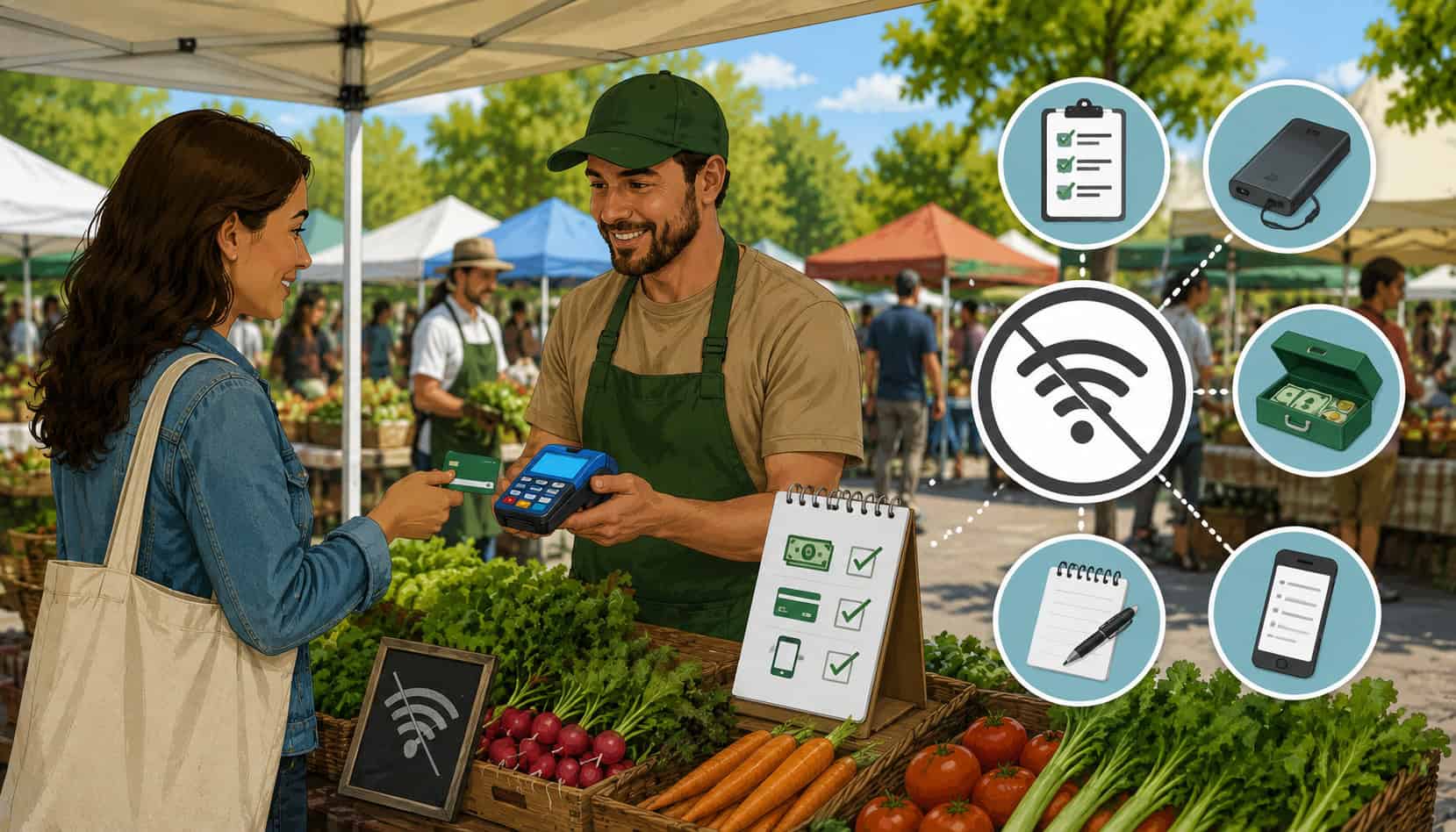
Internet outages can turn a smooth market morning into a stressful checkout line. Vendors often sell outdoors, depend on mobile POS systems, pair card readers through Bluetooth, process digital wallets, and sometimes handle EBT payments through approved equipment. When the signal drops, every second matters.
The best strategies for handling internet outages at farmers markets combine preparation, backup connectivity, offline payment processing, cash readiness, device power planning, and clear customer communication.
Why Internet Outages Happen at Farmers Markets
Farmers markets are not controlled retail environments. Booths may be set up in parking lots, parks, streets, fairgrounds, or rural spaces where cellular coverage changes from one stall to the next. A vendor may have strong service during setup, then lose signal once crowds arrive and hundreds of phones compete for bandwidth.
Outdoor market Wi-Fi problems are also common. Public Wi-Fi may be slow, shared by many vendors, or placed too far from your booth. Weather can interfere with devices, cables, routers, and battery performance. Even a bright, hot day can cause phones or tablets to overheat and slow down.
Other farmers market internet connectivity issues come from the POS setup itself. A card reader may lose Bluetooth pairing, a mobile hotspot may run out of battery, an app may need an update, or a payment screen may freeze during a busy rush.
Common causes include:
- Weak cellular coverage
- Overloaded public Wi-Fi
- Remote or partially covered market locations
- Mobile hotspot for farmers markets losing power
- Card reader connectivity issues
- POS app glitches
- Low device battery
- Weather exposure
- Crowded networks during peak shopping hours
How Internet Outages Affect Farmers Market Payments
Internet outages affect more than card acceptance. They can slow checkout, create long lines, frustrate customers, delay receipts, and leave gaps in inventory reporting. If your POS cannot authorize a payment, the customer may need to switch to cash, wait, or leave without buying.
For vendors with perishable products, missed sales are especially costly. A lost transaction is not always recoverable after the market ends. That is why vendor payment continuity should be treated as part of your market-day operations, not as a last-minute fix.
A strong farmers market payment backup plan helps you keep selling when technology fails. It also helps your team know what to do without guessing under pressure.
| Outage Problem | Business Impact | Backup Strategy |
| Weak cellular signal | Failed or delayed card payments | Use a hotspot, backup carrier, or offline mode |
| Public Wi-Fi overload | Slow checkout and app errors | Switch to cellular data or secondary device |
| Bluetooth reader disconnects | Card reader stops accepting payments | Re-pair reader, use tap-to-phone, or backup reader |
| POS app freezes | Orders cannot be completed | Restart app, use paper order log |
| Dead device battery | Checkout stops completely | Use power banks and spare chargers |
| EBT equipment interruption | Compliance and receipt issues | Follow processor guidance and keep accurate records |
| Offline transactions fail later | Revenue loss after syncing | Set limits and reconcile after reconnection |
Failed Card Reader Connections
Failed card reader connections are one of the most common issues when handling POS outages at outdoor markets. Many mobile readers rely on Bluetooth, and Bluetooth can be disrupted by low battery, distance from the tablet, app errors, or pairing conflicts.
During a rush, even a small disconnect can feel major. A customer taps, the reader does not respond, the app spins, and the line starts to build. Vendors should know how to quickly restart the reader, re-pair it, and switch to another payment method.
Keep the reader close to the device, fully charged, and protected from heat or moisture. If you use a compact reader, consider bringing a second reader as a backup.
Delayed Mobile Wallet and Contactless Payments
Tap-to-pay and mobile wallets are fast when the connection is strong. They can fail or stall when the POS app cannot reach the payment network for authorization. This can make contactless payments appear unreliable even when the card or wallet itself is not the problem.
For vendors offering cashless payment backup options, it helps to understand the difference between contactless hardware and internet connectivity. A reader may detect a phone or card, but the transaction may still need a connection unless the system supports offline payment processing.
For more context on contactless tools, vendors can review this guide to contactless payment options for farmers market vendors.
EBT Payment Interruptions
Vendors and markets accepting EBT need extra care during outages. EBT transactions may involve approved equipment, receipt rules, eligible item restrictions, and processor-specific procedures. Some market models use a central POS booth, while others allow individual vendors to process transactions directly.
Because rules and equipment requirements can vary, vendors should not improvise during an outage. Confirm in advance whether manual vouchers, receipt systems, or delayed processing are allowed by the processor. The Farmers Market Legal Toolkit notes that markets may need to ask their EBT processor about manual voucher options when POS equipment will not work.
Offline Payment Processing for Farmers Markets
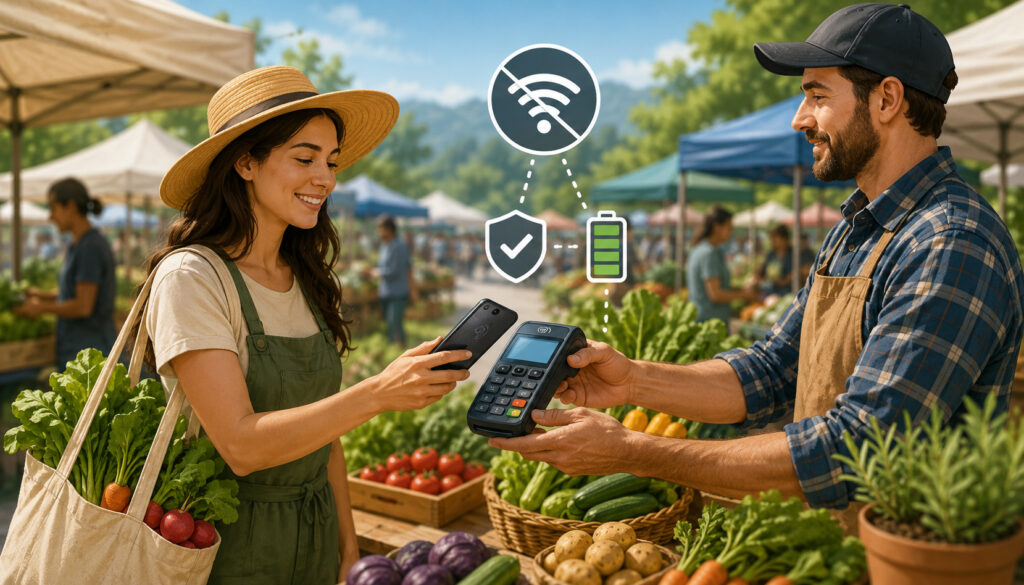
Offline payment processing for farmers markets allows certain POS systems to accept transactions temporarily without an active internet connection. The POS stores payment information locally and submits it once the device reconnects.
This is useful for short outages, weak signals, and busy periods where checkout speed matters. However, offline mode is not the same as guaranteed approval. Since the payment is not authorized in real time, a transaction may decline later after syncing.
A good mobile POS offline mode should make it clear when offline payments are active, what payment types are supported, what limits apply, and how long transactions can remain unsynced. An offline POS guide explains that offline transactions often have sync windows and provider-specific limits.
Benefits of Offline Mode
The biggest benefit of offline mode is continuity. Vendors can keep the line moving during brief internet interruptions rather than stopping sales completely. This is especially helpful when selling produce, baked goods, flowers, meat, dairy, or prepared items where customers expect a quick checkout.
Offline mode can also reduce stress for staff. Instead of switching immediately to manual sales, the checkout process stays close to normal. Items can still be selected in the POS, totals can be calculated, and some systems can queue receipts for later delivery.
For vendors who depend on weekend market revenue, mobile POS offline mode can protect sales during the exact moments when traffic is highest.
Risks of Offline Payments
Offline payments carry risk because approval happens later. A card may be declined after the customer has already left with the purchase. Reasons may include insufficient funds, expired card information, fraud controls, or transaction limits.
Vendors should understand these risks before relying on offline mode. Keep offline transaction amounts reasonable, avoid using offline mode for unusually large orders, and reconnect as soon as possible.
Possible risks include:
- Declined transactions after syncing
- Delayed receipts
- Inventory not updating across devices
- Limited payment types
- Expired offline transactions
- Provider-specific restrictions
Building a Farmers Market Payment Backup Plan
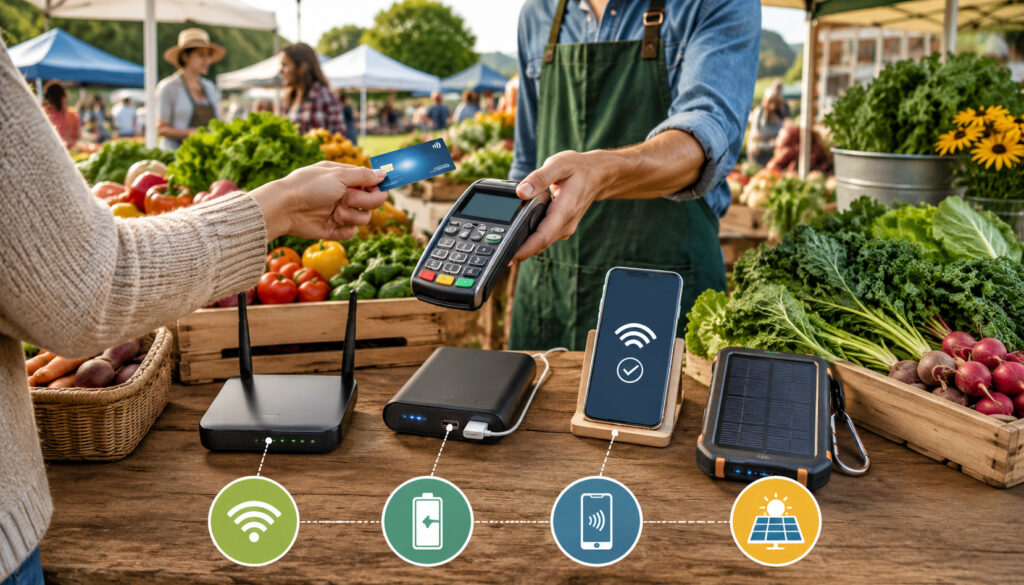
A farmers market payment backup plan should be written, simple, and practiced. It does not need to be complicated. The goal is to make sure you and any helpers know what to do when Wi-Fi, cellular data, card readers, or POS apps fail.
Start before market day. Charge every device, update apps, check your reader firmware, confirm offline mode settings, and test a small transaction. Bring cash change, receipt paper, a pen, and a basic order log.
Your plan should answer these questions:
- What is the first backup connection?
- What is the second backup payment method?
- Who handles manual order tracking?
- What do you tell customers?
- When do you stop accepting offline card payments?
- How do you reconcile sales after the market?
A backup plan is especially important for vendors who want to stay mostly cashless. A cashless payment backup might include offline card processing, QR payment options, a second POS device, and a small cash drawer for customers who cannot complete a digital payment.
Use Multiple Connectivity Options
One connection is rarely enough. A reliable setup may include cellular data on a phone, a mobile hotspot, venue Wi-Fi, and a secondary device on a different carrier. Not every vendor needs all of these, but every vendor should have at least one backup.
A mobile hotspot for farmers markets can be useful when your tablet does not have cellular service. However, the hotspot also needs power, signal, and a secure password. Test it in the same location where you plan to sell.
If your market is known for weak signal, ask nearby vendors what networks work best. Signal strength can vary dramatically across locations.
Keep Cash and Manual Tracking Ready
Even vendors who prefer digital payments should bring cash change. Cash can save a sale when the card reader stops working, the app freezes, or the customer’s digital wallet will not authorize.
Manual tracking is just as important. Keep a notebook, printed order sheets, or receipt book ready. Record the item sold, amount, payment type, customer contact if needed, and any transaction notes.
This protects your inventory records and makes reconciliation easier after the market. It also helps prevent confusion when delayed digital transactions sync later.
Choosing POS Systems That Handle Outages Well
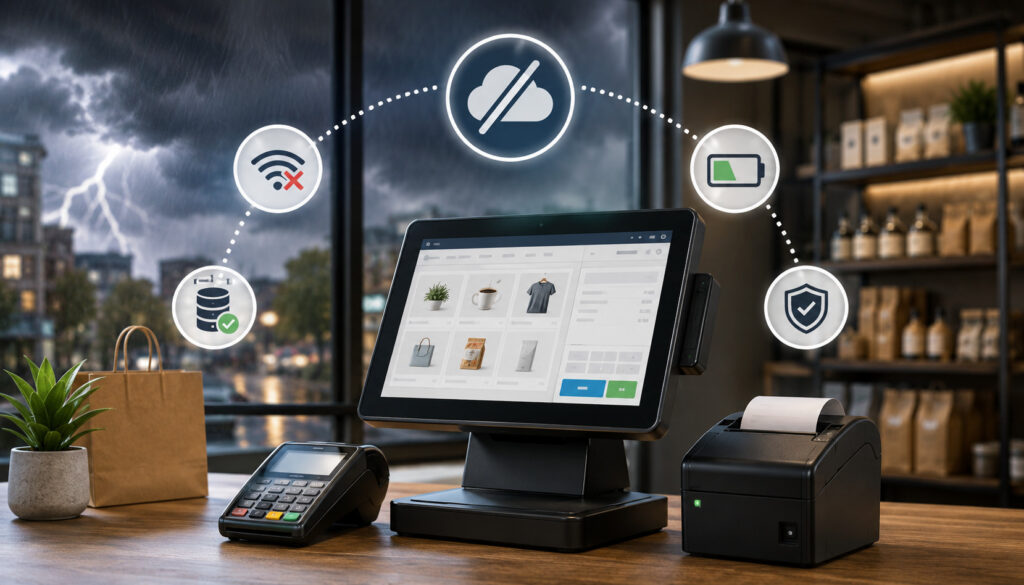
Not every POS system is equally prepared for farmers market internet connectivity issues. Vendors should choose tools built for mobile selling, outdoor environments, and unreliable networks.
Look for features such as offline mode, local product catalogs, fast sync recovery, digital receipt recovery, inventory syncing, and payment retry tools. Strong mobile support also matters because you may need help during market hours, not days later.
Important outage-friendly POS features include:
- Offline card processing
- Clear offline status alerts
- Local product catalog access
- Automatic sync recovery
- Digital receipt options
- Inventory updates after reconnection
- Compatible mobile card readers
- Support for contactless payments
- Easy refunds and voids
- Multi-device access
The best POS outage planning starts when choosing your system, not when the signal drops. Ask providers specific questions about offline limits, supported payment types, sync deadlines, receipt handling, and failed transaction reporting.
Device and Power Backup Strategies
Many “internet” outages are actually power problems. A phone dies, a card reader battery drains, a hotspot shuts off, or a tablet overheats. Once one device fails, the entire payment workflow can stop.
Bring more power than you think you need. Outdoor markets often run longer than expected, and busy checkout periods drain batteries faster. Use high-capacity power banks, spare charging cables, and wall chargers if the market provides access to outlets.
Protect devices from heat, rain, dust, and direct sunlight. A shaded setup helps prevent overheating. Waterproof bags or cases can protect electronics during sudden weather changes.
Useful backup items include:
- Fully charged card reader
- Spare card reader
- Charged phone or tablet
- Power bank
- Backup charging cable
- Mobile hotspot
- Receipt paper
- Stylus or pen
- Weather-safe case
- Small cash box
Keep all payment tools in one dedicated market kit. Restock the kit after every event so you are not scrambling before the next market.
Customer Communication During Payment Outages
Customers are usually patient when vendors communicate clearly. They become frustrated when they do not know what is happening, how long it may take, or what payment options are available.
Use simple signage at checkout. For example: “Card payments may be slower today due to network issues. Cash, tap, and backup payment options available.” Avoid blaming the market, the customer, or the payment app.
A calm script helps staff respond consistently:
“Thanks for your patience. The connection is slow right now, but we can try your card, use offline processing if available, or take cash.”
For regular customers, QR code backups or payment follow-up options may help, but use them carefully. Always confirm payment before handing over goods unless you have a trusted process.
Common Mistakes Vendors Should Avoid
The biggest mistake is relying on one device, one reader, one connection, and one payment method. Farmers markets are unpredictable, and technology needs a backup.
Another mistake is assuming offline mode works for every transaction. Some systems limit offline payment types, transaction amounts, or sync windows. Vendors should read provider rules and practice before relying on the feature.
Avoid these common mistakes:
- Not testing equipment before market day
- Forgetting cash change
- Using public Wi-Fi without a backup
- Ignoring low battery warnings
- Skipping receipts
- Accepting large offline card payments without limits
- Failing to reconcile delayed transactions
- Forgetting to sync before packing up
- Not training helpers
- Waiting until checkout rush to troubleshoot
Public Wi-Fi deserves special caution. It may be slow, unsecured, or overloaded. If you use it, keep a cellular or hotspot backup ready.
Best Practices for Handling POS Outages at Outdoor Markets
Handling POS outages at outdoor markets is easier when you follow a repeatable checklist. The goal is to diagnose quickly, switch smoothly, and protect records.
Before selling, test signal, open the POS app, pair the reader, check offline settings, and confirm battery levels. During the market, monitor connection quality and watch for early warning signs such as slow authorizations or repeated reader disconnects.
During an outage:
- Stay calm and keep checkout moving
- Restart the reader or app if needed
- Switch from Wi-Fi to cellular data
- Use hotspot backup if available
- Enable offline mode only if you understand the rules
- Offer cash when appropriate
- Track manual sales immediately
- Give or queue receipts
- Sync as soon as possible
- Review failed transactions after reconnection
After the market, reconcile digital sales, cash sales, manual notes, and inventory. Check for duplicate charges, failed offline payments, missing receipts, and unsynced transactions.
This final step is essential. Vendor payment continuity is not only about taking the sale; it is also about making sure the sale is recorded, funded, and matched to inventory.
How can vendors handle internet outages at farmers markets?
Vendors can prepare by using offline payment tools, backup cellular data, a mobile hotspot, charged devices, spare card readers, cash change, and paper order logs. The strongest strategies for handling internet outages at farmers markets combine digital backups with manual procedures.
Can mobile POS systems work without internet?
Some mobile POS systems can work without internet through offline mode. The system stores transactions temporarily and syncs them later. Vendors should confirm which payment types are supported and what limits apply.
What is offline payment processing?
Offline payment processing allows a POS system to accept certain card payments when no connection is available. The payment is submitted later when the device reconnects. It can keep checkout moving but does not guarantee approval.
Are offline payments risky?
Yes. Offline payments can decline after syncing because they are not authorized in real time. Vendors can reduce risk by setting transaction limits, reconnecting quickly, and reviewing failed payments after the market.
What should vendors do if card readers stop working?
First, check battery level, Bluetooth pairing, app status, and distance from the device. Restart the reader or app if needed. If the issue continues, switch to a backup reader, tap-to-phone option, offline mode, cash, or manual tracking.
Can vendors accept EBT during an outage?
It depends on the approved equipment, processor rules, and market setup. Vendors should ask their EBT processor in advance what outage procedures are allowed, including receipt requirements and any manual voucher options.
What backup payment methods should vendors bring?
Useful backups include cash, offline card processing, QR payment options, a second reader, a backup phone or tablet, a mobile hotspot, and paper receipts. Vendors should choose backups that match their products, transaction size, and customer base.
How can vendors prevent missed sales during outages?
Preparation is the best protection. Test your POS before the market, bring power backups, confirm offline mode, keep cash change, train helpers, and use clear customer communication. Reconcile all transactions after syncing.
Conclusion
Internet outages are a normal risk of outdoor selling, but they do not have to stop sales. The most effective strategies for handling internet outages at farmers markets include offline payment processing, backup connectivity, cash readiness, charged devices, manual tracking, and careful reconciliation.
Vendors who plan ahead can handle card reader connectivity issues, outdoor market Wi-Fi problems, mobile POS offline mode limits, and delayed syncing with less stress. A prepared booth protects revenue, keeps lines moving, and gives customers a smoother checkout experience even when the connection fails.