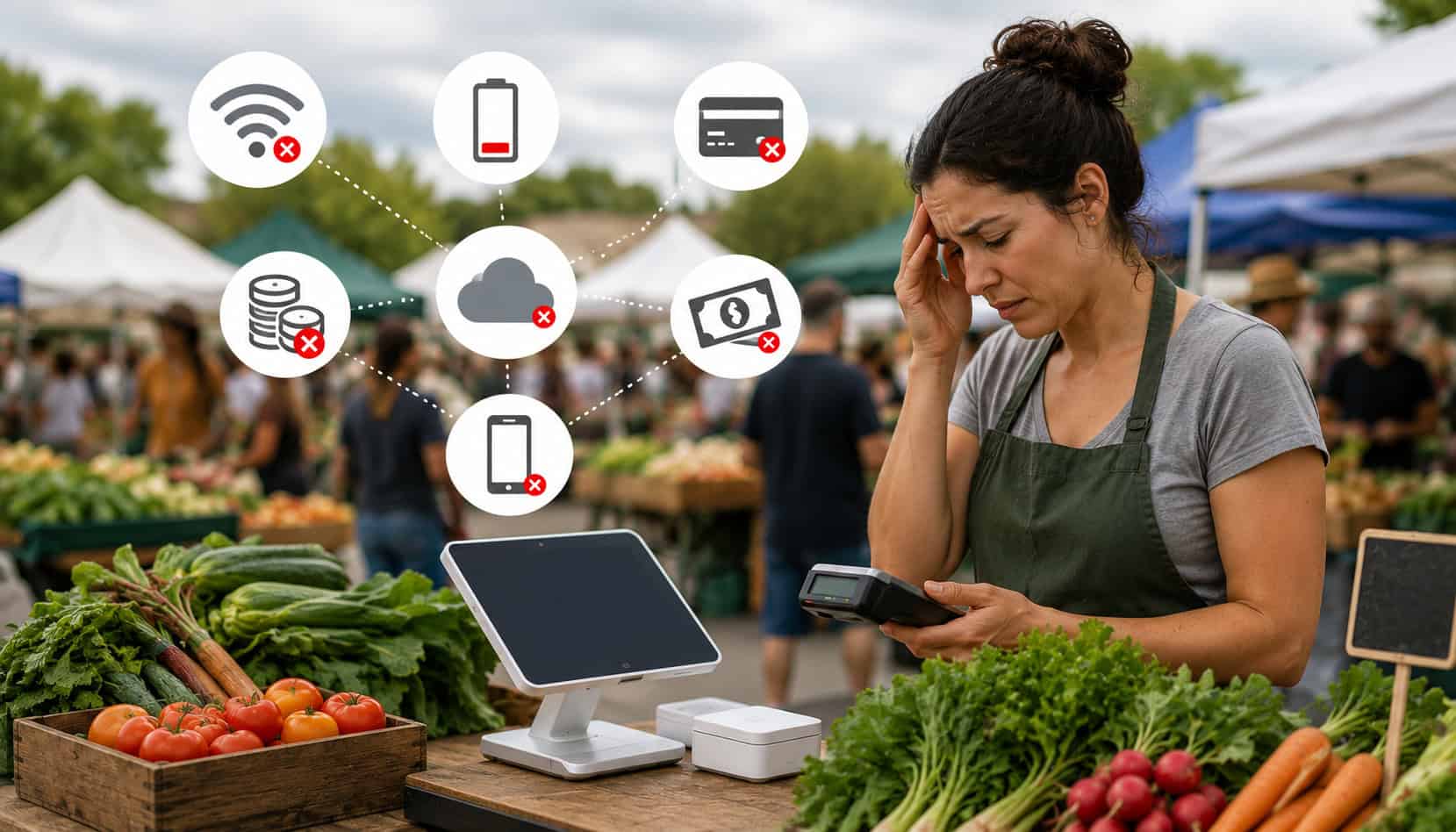
Farmers market vendors work in a selling environment that is fast, seasonal, mobile, and often unpredictable. Unlike a permanent retail store, a market booth may rely on folding tables, battery-powered devices, mobile card readers, paper signage, portable inventory, and whatever internet signal is available that day.
That creates real payment friction. Vendors need to manage outdoor selling, limited connectivity, mobile payment issues at farmers markets, card reader problems, cash handling, customer payment preferences, EBT payment processing, checkout speed, and sales reporting—often while answering questions, restocking displays, and keeping products fresh.
The good news is that the most common payment challenges at farmers markets can usually be reduced with preparation. A reliable mobile POS for vendors, backup payment options, organized cash procedures, and clear checkout workflows can help vendors serve customers faster and avoid missed sales.
Why Farmers Market Payment Challenges Happen
Farmers market payment challenges happen because the selling environment changes from week to week. A booth may be set up in a park, parking lot, plaza, or roadside space with limited power and inconsistent mobile signal.
Even vendors with strong products and loyal customers can run into payment processing issues for farmers markets when their tools are not built for outdoor payment processing.
Temporary booths also create operational pressure. Vendors usually have limited counter space, small teams, and short selling windows. When customer traffic spikes, every extra tap, app delay, or receipt problem can slow the line. Small transactions make this even more noticeable because customers expect checkout to be quick.
Payment variety adds another layer. One shopper may want to pay with cash, another with a chip card, another with contactless payments, and another with EBT. If the vendor has no clear process for each payment type, checkout becomes confusing for both staff and customers.
Power is another common issue. Phones, tablets, card readers, hotspots, and receipt printers all need battery life. A booth may start the day prepared but run into trouble after several hours of steady transactions, screen use, Bluetooth pairing, and app syncing.
Common Payment Challenges at Farmers Markets
The most common payment challenges at farmers markets usually fall into a few categories: connectivity, hardware, checkout speed, cash handling, EBT setup, security, and reporting. These problems are manageable, but they become costly when vendors wait until the booth is busy to solve them.
A vendor who accepts only cash may avoid card fees, but may also lose customers who do not carry enough bills. A vendor who accepts cards without a backup plan may lose sales when the card reader disconnects. A vendor who accepts multiple payment types but does not reconcile sales may struggle to understand what actually sold.
| Payment Challenge | Why It Happens | Practical Solution |
| Weak signal | Outdoor locations may have limited mobile coverage | Use offline mode, a hotspot, and a backup reader |
| Card reader problems | Battery, Bluetooth, app, or hardware issues | Test before opening and carry a spare reader |
| Long lines | Slow checkout tools or unclear product entry | Use a simple product catalog and tap-to-pay options |
| Cash errors | Rushed change-making and manual tracking | Start with a counted cash bank and reconcile daily |
| Declined cards | Connectivity, card limits, issuer declines, or entry errors | Retry securely, offer another payment type, and issue receipts |
| EBT complications | Eligibility rules, terminal setup, and split payments | Train staff and use EBT-compatible equipment |
| Poor reporting | Cash, cards, and mobile payments tracked separately | Use farmers market POS systems with sales reporting |
| Security risks | Public spaces and shared devices | Use passwords, secure apps, and encrypted payment tools |
A good vendor payment solutions plan should not depend on one perfect tool. It should combine reliable technology with simple procedures that helpers can follow under pressure.
Unreliable Internet or Mobile Signal
Unreliable connectivity is one of the most frustrating mobile payment issues at farmers markets. Card payments, mobile wallets, cloud POS syncing, and digital receipts often depend on a stable connection. When the signal drops, transactions may freeze, decline, duplicate, or sit in a pending status.
This is especially challenging during peak hours. A vendor may have a line of customers waiting while the POS app spins, the card reader reconnects, or the payment screen fails to load. Even a short delay can make customers abandon a purchase, especially for low-cost items.
Offline payments can help, but vendors need to understand how their system handles them. Some POS apps store transactions and sync later, while others limit the transaction types or amounts that can be accepted offline. Vendors should test offline mode before market day, not during a rush.
Card Reader and Device Issues
Card reader problems are another major source of farmers market credit card processing problems. A reader may fail because it was not charged, the phone Bluetooth is unstable, the app needs an update, or the device has been exposed to dust, heat, moisture, or repeated handling.
Pairing issues are especially common with mobile readers. A phone may connect to the wrong device, forget the reader, or lose the Bluetooth connection after going idle. If the vendor has only one reader, checkout can stop completely until the issue is fixed.
App glitches can also create problems. Outdated software, low phone storage, weak battery, or poor permissions can prevent a POS app from working correctly. Vendors using mobile POS for vendors should update apps before market day and avoid installing updates in the middle of a selling session.
A backup reader is often worth the small investment. For vendors comparing hardware options, resources like best card readers for farmers markets can help frame what to look for in portability, battery life, and payment compatibility.
Long Checkout Lines During Busy Hours
Long checkout lines can hurt sales even when demand is strong. Farmers markets often have short windows of intense traffic, especially after opening, during lunch periods, or near closing. If payment tools are slow, customers may buy less, leave the line, or skip the booth entirely.
The problem is not always the card reader. Sometimes the issue is the product catalog. If every item must be typed manually, staff may spend too much time entering prices, calculating discounts, or fixing mistakes. A simple POS layout with popular items, bundles, and tax settings can make checkout faster.
Contactless payments can also reduce friction. Tap-to-pay cards and mobile wallets are often faster than inserting a chip card or counting change. A guide to contactless payment options for farmers market vendors can help vendors understand hardware and app choices.
Cash Handling Problems for Market Vendors
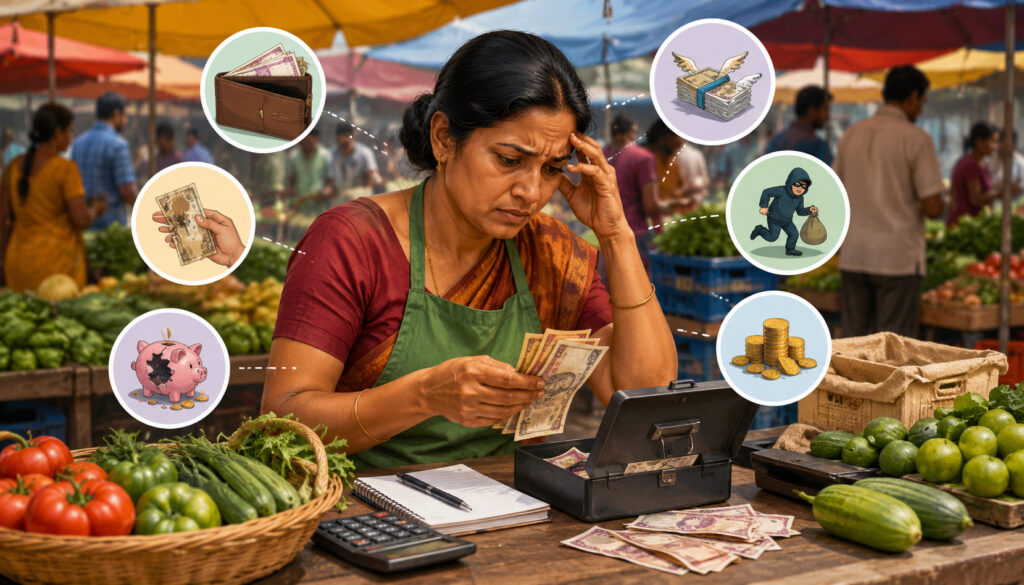
Cash handling still matters at farmers markets, even when card and contactless payments are popular. Many customers still prefer bills for small purchases, and some vendors like cash because it avoids processing fees. However, cash also creates operational risk.
Making change is one of the biggest problems. If a vendor starts the day without enough small bills and coins, checkout slows down quickly. Customers may hand over large bills for small purchases, forcing the vendor to search through a cash box while other shoppers wait.
Cash also increases theft risk. A busy booth can make it hard to watch the cash box, especially when vendors are bagging items, answering questions, or restocking. Loose bills in an open container are easy to misplace, and shared cash handling can make accountability unclear.
Counting errors are another issue. During rush periods, staff may give the wrong change, forget to record a sale, or mix personal cash with business cash. These errors may seem small, but they distort daily totals and make sales reporting less reliable.
Cash-only limitations can also reduce sales. A customer who planned to buy one item may buy several if card or contactless payments are available. When cash is the only option, the customer’s purchase is limited by what is in their wallet.
Daily reconciliation is the best defense. Vendors should start with a counted cash bank, record paid-outs or change runs, separate large bills when possible, and count the drawer after the market. Cash totals should be compared against POS cash entries, card sales, EBT payments, and any manual notes.
Credit Card Processing Problems at Farmers Markets
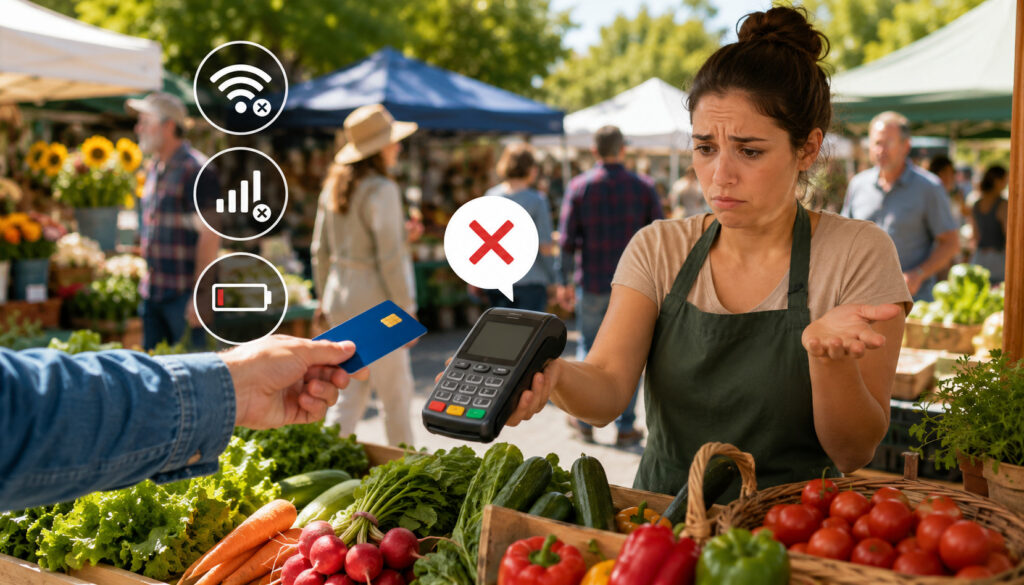
Farmers market credit card processing problems can come from several sources: weak signal, declined cards, processing fees, card reader failures, receipt issues, and delayed deposits. None of these problems are unusual, but vendors need procedures for handling them professionally.
Declined transactions are especially sensitive. A card may decline because of issuer rules, insufficient funds, fraud controls, connection problems, or incorrect entry. Staff should avoid embarrassing the customer and simply ask whether they would like to try another payment method.
Processing fees are another concern. Small-ticket transactions can feel expensive when a percentage fee plus a fixed fee applies. Vendors should price products with payment costs in mind rather than treating fees as a surprise at the end of the month.
Chargebacks are less common at a booth than in online selling, but they can still happen. A customer may not recognize the business name on their statement or may dispute a transaction. Digital receipts, clear product descriptions, and card-present transactions can help reduce confusion.
Card-present and keyed payments should not be treated the same. Keying in a card manually may cost more and carry more risk than a chip, swipe, or tap transaction. Manual entry should be a backup, not the default checkout method.
Receipt issues also matter. Some customers want proof of purchase, especially for larger orders or specialty goods. Digital receipts are useful, but vendors should confirm the email or phone number before sending. For larger operations, farm-to-consumer POS systems can help connect payments, receipts, inventory, and reporting in one workflow.
EBT and SNAP Payment Challenges
EBT payment processing can help more shoppers access eligible foods, but it requires proper setup and staff training. Vendors cannot simply accept EBT the same way they accept a standard debit card unless their system is approved and configured correctly.
The first challenge is eligibility and authorization. Vendors should review official SNAP retailer guidance to understand requirements, eligible foods, and retailer responsibilities. Rules can vary by product type, so vendors need to know what can and cannot be purchased with benefits.
EBT-compatible terminals are another issue. Not every mobile POS or card reader supports EBT. Some vendors may need a separate terminal, while others may use a POS system with integrated EBT support. Either way, staff should know which device to use before the market opens.
Eligible product handling is critical. If a booth sells both eligible and non-eligible items, staff need a clear way to separate them at checkout. Split payments may be required when a customer buys a mix of items. That means part of the order may be paid with EBT and the rest with cash, card, or another method.
Receipts are also important. Customers should be able to see transaction details and remaining balance information when applicable. Staff should know how to reprint or resend receipts if needed.
How Mobile POS Systems Help Solve Payment Issues

Farmers market POS systems can solve many payment problems by bringing checkout, product entry, receipts, reporting, and payment acceptance into one mobile workflow. A good mobile POS for vendors should be easy to carry, quick to learn, and reliable in outdoor conditions.
Offline mode is one of the most important features. If connectivity drops, offline payments may allow vendors to keep selling and sync approved transactions later. Vendors should still understand the risks and limits of offline payments, but having the option can prevent a full checkout shutdown.
Mobile card readers help vendors accept chip cards, tap cards, and mobile wallets without a bulky register. Many systems pair with phones or tablets, while others use standalone terminals. The best choice depends on booth volume, product mix, staffing, and budget.
Contactless payments can speed up checkout and reduce cash handling. Customers can tap a card, phone, or watch instead of inserting a chip or counting bills. This is useful when the line is moving quickly and customers want a simple experience.
Inventory tracking is another advantage. Instead of guessing what sold, vendors can review item-level sales. That helps with harvest planning, batch production, restocking, and pricing. For deeper reporting ideas, this guide to sales analytics for farmers market vendors explains how vendors can use transaction data to make better decisions.
Digital receipts also help. They reduce paper, support customer service, and create a record if a customer has a question later. Sales reports make it easier to separate cash, card, contactless, and EBT totals at the end of the day.
Security Risks in Outdoor Payment Processing
Outdoor payment processing brings security challenges that fixed stores do not always face. Devices are portable, crowds are close, networks may be public, and staff may be working from personal phones or tablets. Vendors should protect both customer payment data and business access.
Secure payment apps are essential. Vendors should only process payments through trusted, compliant platforms rather than writing card numbers on paper or storing card details in notes, photos, or messages. Manual card storage is risky and should be avoided.
Encryption and tokenization help protect card data during payment processing. Vendors do not need to understand every technical detail, but they should choose payment tools that handle sensitive information securely. A reputable payment app should reduce the amount of card data the vendor ever sees or stores.
Device passwords are also important. Phones and tablets used for checkout should have strong passcodes, screen locks, and updated software. If a helper uses the device, permissions should be limited to what they need for checkout.
Wi-Fi decisions matter too. Public or unsecured networks can create risk. When possible, vendors should use a secure mobile connection, a trusted hotspot, or offline mode rather than unknown public Wi-Fi. If a market offers vendor Wi-Fi, vendors should still confirm that their POS app uses secure connections.
Physical security should not be ignored. Card readers, tablets, receipt printers, and cash boxes should stay within sight. A crowded market is busy and friendly, but it is still a public space.
Common Mistakes Farmers Market Vendors Should Avoid
Many payment problems happen because vendors assume market checkout will be simple. Selling outdoors may look informal, but payments still need a system. Avoiding a few common mistakes can prevent lost sales and stressful market days.
Relying only on cash is one of the biggest mistakes. Cash may be familiar, but it limits customers who prefer cards, contactless payments, or EBT. It also makes reporting harder if sales are not recorded consistently.
Not testing devices is another common issue. A reader that worked last week may need charging, pairing, updating, or reconnecting. Vendors should test the full flow: product entry, card tap, receipt, refund, and end-of-day report.
Poor battery planning causes avoidable problems. A phone at full charge in the morning may not last through hours of screen brightness, hotspot use, Bluetooth, and payment processing. Power banks, charging cables, and spare devices should be part of the booth kit.
Weak receipt practices can create confusion. If a customer asks for proof of purchase and the vendor cannot provide it, trust can suffer. Digital receipts are easy to offer, but staff should confirm contact details.
Unclear refund policies can also create tension. Vendors should decide in advance how they handle returns, duplicate payments, mistaken charges, and product issues. Helpers should know the policy before customers ask.
Skipping daily reconciliation is another mistake. Vendors should compare cash counted, card totals, EBT totals, mobile wallet sales, refunds, and notes before leaving or shortly after the market. Waiting too long makes errors harder to find.
Best Practices for Smoother Farmers Market Payments
Smoother farmers market payments come from preparation, not luck. Vendors should build a repeatable routine that works even when the booth is busy, the signal is weak, or a helper is handling checkout.
Start with backup equipment. Bring a second card reader if possible, plus charging cables, power banks, a small cash bank, receipt paper if needed, and a written backup plan. If the main POS fails, staff should know what to do next.
Enable offline mode before the market if your system supports it. Do not assume it is automatic. Review how offline payments work, what transaction limits apply, and when payments must be synced.
Accept multiple payment types when practical. Cash, cards, contactless payments, and EBT can serve different customer needs. The goal is not to accept every possible app, but to cover the payment methods your customers actually use.
Organize the product catalog. Put bestsellers, bundles, and common price points where staff can find them quickly. Use clear item names so reports make sense later.
Train helpers before the rush. Even a short walkthrough can prevent mistakes. Show them how to accept each payment type, issue receipts, handle declined cards, process refunds, and record unusual transactions.
Review reports after each market. Look at total sales, payment mix, bestsellers, refunds, and peak times. This helps vendors improve staffing, inventory, pricing, and checkout flow.
What are the most common payment challenges at farmers markets?
The most common payment challenges at farmers markets include weak internet, card reader problems, long checkout lines, cash handling errors, declined transactions, EBT setup issues, and poor sales reporting.
These problems are common because vendors operate in temporary outdoor spaces with limited power, changing traffic, and multiple payment preferences.
A strong payment plan should include charged devices, backup readers, offline payments, clear cash procedures, and a simple POS workflow. Vendors should also review reports after each market so they can spot patterns and improve checkout over time.
How can vendors handle weak internet?
Vendors can handle weak internet by using a POS system with offline mode, bringing a mobile hotspot, testing signal at the booth, and having backup payment options. It also helps to keep the checkout setup simple so staff can move quickly if the app slows down.
Offline payments should be tested in advance. Vendors need to know how long transactions can remain offline, when they must sync, and whether all payment types are supported.
Should farmers market vendors accept cards?
Most vendors should consider accepting cards because many customers prefer not to carry cash. Card acceptance can help vendors capture larger orders, reduce missed sales, and create better digital records.
That said, card payments come with fees and technology requirements. Vendors should price products carefully, choose reliable hardware, and keep cash available as a backup.
Can vendors accept EBT payments?
Yes, eligible vendors can accept EBT payments if they have the proper authorization and compatible equipment. The setup may require approved terminals, clear eligible-item handling, and staff training.
Vendors who sell both eligible and non-eligible items should prepare for split payments. Staff should know how to separate items, provide receipts, and explain the process respectfully.
What should vendors do if a card reader fails?
If a card reader fails, vendors should first check battery, Bluetooth, app status, and internet connection. If that does not work quickly, they should switch to a backup reader, another device, cash, EBT terminal, or another approved payment method.
Vendors should avoid writing down card numbers. That creates security risk and can lead to compliance problems.
Are mobile POS systems secure?
Mobile POS systems can be secure when vendors use reputable apps, updated devices, strong passwords, and encrypted payment tools. Security depends on both the provider and the vendor’s habits.
Vendors should avoid public Wi-Fi when possible, lock devices when not in use, limit helper access, and never store card data manually.
How can vendors reduce checkout lines?
Vendors can reduce checkout lines by using contactless payments, organizing product buttons, training helpers, displaying prices clearly, and preparing popular bundles.
Faster product entry is just as important as faster payment acceptance.
It also helps to separate browsing and checkout space. A clear line flow keeps customers from blocking product displays.
Conclusion
Common payment challenges at farmers markets are part of selling in a mobile, outdoor, high-traffic environment. Weak signal, card reader problems, cash handling, EBT payment processing, checkout speed, security, and sales reporting can all affect the customer experience.
These problems are manageable with reliable farmers market POS systems, backup devices, secure payment practices, clear staff training, and daily reconciliation. Vendors who prepare for payment friction can move lines faster, protect customer trust, reduce errors, and make better business decisions after every market.