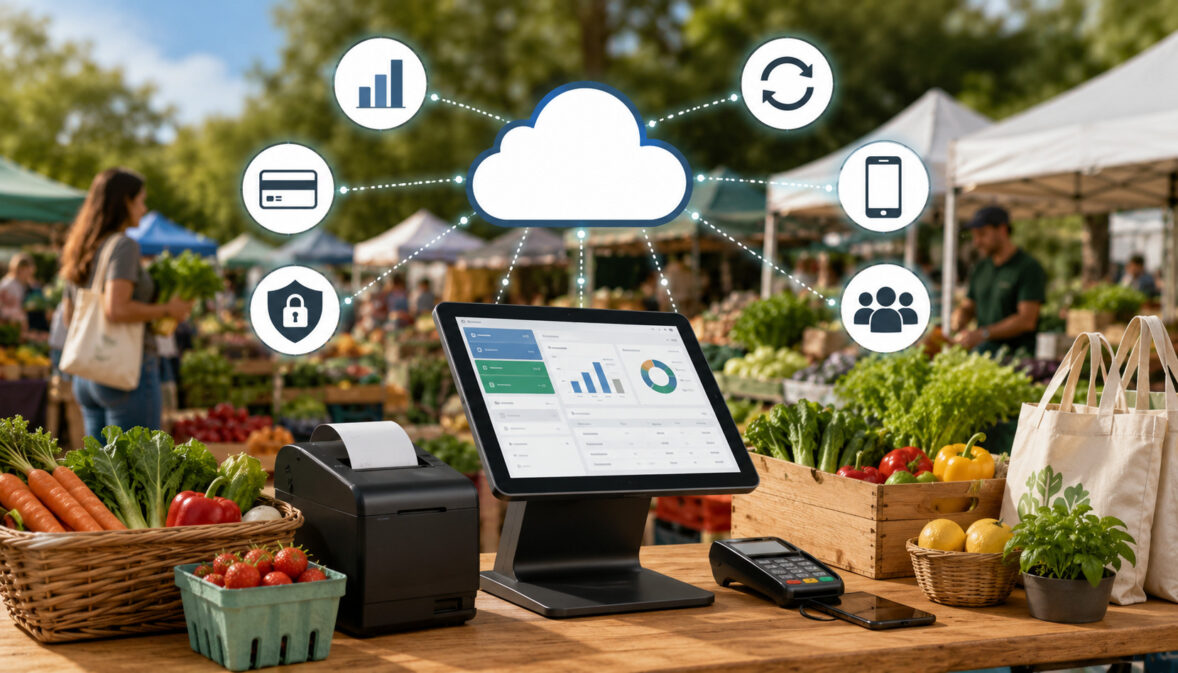
Farmers market selling has changed. Shoppers still enjoy the personal feel of buying fresh produce, baked goods, flowers, honey, meats, crafts, and prepared foods directly from vendors, but many no longer arrive with enough cash for every purchase.
They expect quick checkout, flexible payment options, digital receipts, and a buying experience that feels as smooth as any modern retail counter.
That shift is one major reason vendors are moving from cash-only setups to cloud POS systems for farmers markets. A cloud-based POS can help vendors accept payments, organize products, track inventory, review sales reporting, send receipts, and keep better records from a phone, tablet, mobile terminal, or web dashboard.
Outdoor selling adds extra challenges. Booth space is limited, lines can build quickly, connectivity can be weak, batteries can run low, and inventory may change by the hour. The benefits of cloud-based POS systems for farmers markets come from helping vendors manage all of that with less guesswork and more control.
What Are Cloud POS Systems for Farmers Markets?
Cloud POS systems for farmers markets are checkout systems that store sales, product, payment, and reporting data online instead of only on one local cash register or device. Vendors can use a smartphone, tablet, wireless card reader, handheld terminal, or browser dashboard to take payments and manage sales activity.
In a traditional setup, a vendor may rely on a cash box, handwritten notes, paper receipts, and manual end-of-day counting. That can work for very small operations, but it becomes harder when a booth gets busy, the vendor sells at multiple markets, or customers want to pay with cards and contactless payments.
A cloud POS gives vendors a central place to manage transactions, products, receipts, and sales records.
For example, a produce seller can create product buttons for tomatoes, herbs, greens, eggs, or bundles before market day. At checkout, the vendor taps the item, accepts the customer’s preferred payment method, sends a digital receipt, and stores the sale automatically. Later, the vendor can log in to review sales by product, date, location, or payment type.
Many farmers market POS systems also support inventory tracking, tax settings, tipping, discounts, refunds, customer notes, and staff permissions.
Some systems include EBT payment processing options or integrations, while others may require specific equipment or processor support. Vendors interested in EBT should review an informational EBT payment processing guide before choosing equipment.
The biggest difference is access. Because the system is cloud-based, vendors can usually review reports after the market from home, update products before the next event, and sync information across devices.
Why Farmers Market Vendors Need Cloud-Based POS Solutions
Farmers market vendors operate in a unique environment. They are not always selling from a permanent storefront with stable internet, a large counter, reliable power, and back-office staff. They often set up temporary booths, transport goods early in the morning, sell during a short time window, and adjust displays based on weather, customer traffic, and product availability.
That is where farmers market cloud-based POS solutions become useful. They help vendors run a more organized checkout without needing a bulky register or complicated hardware. A mobile cloud POS for farmers markets can fit into a small booth, work with portable payment devices, and give the vendor access to business data after the event.
Changing customer behavior also matters. Many shoppers prefer cards, debit, mobile wallets, QR payments, and contactless payments. A cash-only vendor may lose sales when shoppers do not have enough cash, cannot find an ATM, or decide to buy from another booth with more convenient payment options.
Cloud tools also support better planning. Vendors can see which products sell fastest, which market days perform best, and how much inventory they should bring next time. Instead of guessing whether strawberry jam outsold peach jam, the vendor can review actual product-level sales reporting.
| Cloud POS Benefit | How It Helps Vendors | Why It Matters |
| Faster checkout | Speeds up item selection, payments, and receipts | Shorter lines can mean more completed sales |
| Payment flexibility | Supports cash, card, tap, wallet, QR, and sometimes EBT | Customers can pay the way they prefer |
| Inventory tracking | Tracks sold items and remaining stock | Helps vendors plan restocking and reduce waste |
| Sales reporting | Shows sales by product, day, location, and payment type | Improves pricing, planning, and bookkeeping |
| Digital receipts | Sends receipts by text or email | Builds trust and reduces disputes |
| Offline payments | Helps keep checkout moving when connectivity drops | Important for outdoor vendor payment processing |
| Cloud access | Stores records online for later review | Makes post-market reconciliation easier |
Vendors do not need every feature on day one. The best setup is usually the one that fits the booth’s size, product mix, market schedule, and payment needs.
Faster Checkout During Busy Market Hours
Peak market hours can be intense. A booth may go from quiet to crowded within minutes, especially when shoppers arrive after opening, before lunch, or near closing time for last-minute purchases. Slow checkout creates long lines, and long lines can discourage shoppers who were ready to buy.
Mobile POS for vendors helps reduce that friction. Instead of writing down items, counting change, or manually calculating totals, a vendor can tap product buttons, scan an item, apply a discount, and accept payment quickly. Contactless payments can be especially helpful because customers can tap a card or mobile wallet and move on.
Faster checkout also helps vendors stay engaged with customers. When the transaction process is smoother, vendors can answer questions, explain product origins, suggest pairings, and maintain a better booth experience. That personal interaction is part of what makes market selling valuable.
Better Sales Tracking Across Market Days
A farmers market business can feel different from one week to the next. Weather, holidays, location, nearby events, product availability, and customer traffic can all affect sales. Without clear records, it is easy to rely on memory instead of data.
Cloud POS benefits for outdoor vendors include the ability to compare sales across dates, events, locations, and seasons. A vendor selling at several markets can track whether one location performs better for fresh produce while another sells more baked goods or value-added items. That information can guide pricing, staffing, inventory, and display choices.
Sales reporting also helps vendors understand product trends. If cut flowers sell out early every Saturday but packaged herbs move slowly, the vendor can adjust harvesting, packaging, or booth placement. If card sales are increasing while cash sales are dropping, the vendor can plan checkout and deposit processes accordingly.
The goal is not to turn every vendor into a data analyst. It is to replace guesswork with simple, useful numbers that help improve market decisions.
Easier Inventory Management
Inventory tracking is one of the most practical benefits of cloud-based POS systems for farmers markets. Vendors often bring limited stock to each event, and many products are seasonal, perishable, handmade, or produced in small batches. Knowing what sold, what remains, and what needs replenishing can directly affect profit.
A cloud POS can track stock levels as sales happen. For example, if a vendor starts the day with thirty jars of salsa and sells twenty-two, the system can show eight remaining. For produce, inventory may be tracked by item, bundle, unit, or category depending on how the vendor sells.
This is especially helpful for vendors who sell across multiple channels, such as markets, farm stands, pop-up events, online orders, and subscription pickups. A cloud dashboard can help prevent overselling and make restocking more accurate.
Inventory reports also reveal customer demand. A product that sells out early may need more stock next time, while slow-moving products may need different pricing, sampling, signage, or bundling.
Payment Flexibility for Outdoor Vendors
Payment flexibility is one of the clearest reasons vendors adopt farmers market POS systems. Cash is still useful, but relying only on cash can limit sales. Many shoppers now expect to pay with cards, debit, contactless payments, mobile wallets, QR payments, payment links, and sometimes EBT.
Outdoor vendor payment processing needs to be flexible because the selling environment is unpredictable. A shopper may want to tap a card for a quick produce purchase. Another may want a receipt for a larger order. A regular customer may prefer a payment link for a pre-packed box. A market may support EBT payment processing through a central booth or approved vendor setup.
A cloud POS can bring these options into one checkout flow. Instead of tracking cash in one place, card payments in another app, and receipts manually, vendors can keep transactions organized through a single system. That makes reconciliation much easier after the market.
Payment flexibility can also increase average order size. When customers are not limited by the cash in their wallet, they may add an extra loaf, bouquet, jar, bundle, or prepared food item. This is especially important for vendors with premium products or larger basket sizes.
Vendors should still compare fees and features carefully. Not every system supports every payment method, and EBT payment processing may require specific authorization, equipment, or setup. For more on contactless options, vendors can review this guide to contactless payment options for farmers market vendors.
Cloud POS Benefits for Reporting and Bookkeeping
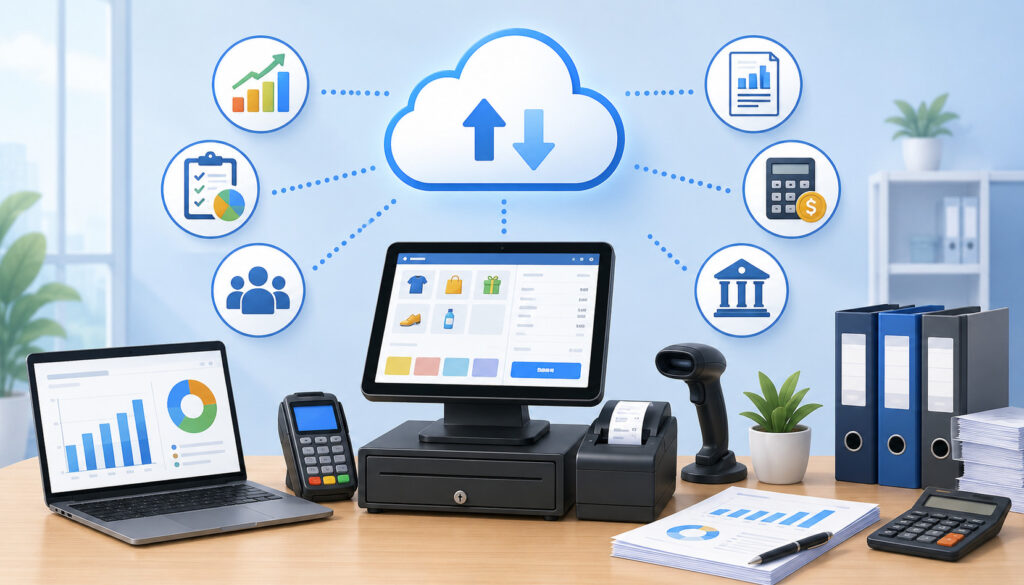
Bookkeeping is often one of the least exciting parts of running a market booth, but it is essential. Vendors need to know how much they sold, what payment methods were used, how refunds were handled, what taxes apply, and how deposits match recorded sales. Cloud POS systems for farmers markets make this work more organized.
Instead of sorting handwritten notes or reconstructing sales from memory, vendors can use cloud reports to review daily totals, product-level sales, payment type summaries, discounts, refunds, and receipt records. This creates a cleaner record for bookkeeping and helps reduce mistakes.
Digital receipts also support better documentation. Customers may request receipts for large purchases, special orders, catering, farm shares, or business expenses. A POS that sends digital receipts by text or email makes that process easier and more professional.
Sales reporting can also help vendors prepare for seasonal changes. A jam maker can compare spring flavors against late-season flavors. A produce seller can review which market locations generated the highest revenue. A prepared food vendor can see whether combo pricing helped increase average ticket size.
Deposit tracking is another useful feature. Card payments may settle separately from cash collected at the booth. A cloud POS can help vendors compare expected deposits against actual bank activity, making it easier to spot delays, fees, refunds, or chargebacks.
Bookkeeping benefits include:
- Cleaner daily sales summaries
- Easier product-level reporting
- Better tax and fee records
- More accurate refund tracking
- Organized receipt history
- Faster end-of-day reconciliation
- Clearer deposit matching
Cloud reporting does not replace good accounting habits, but it gives vendors better raw information to work with.
Mobile Cloud POS for Farmers Markets and Pop-Up Events
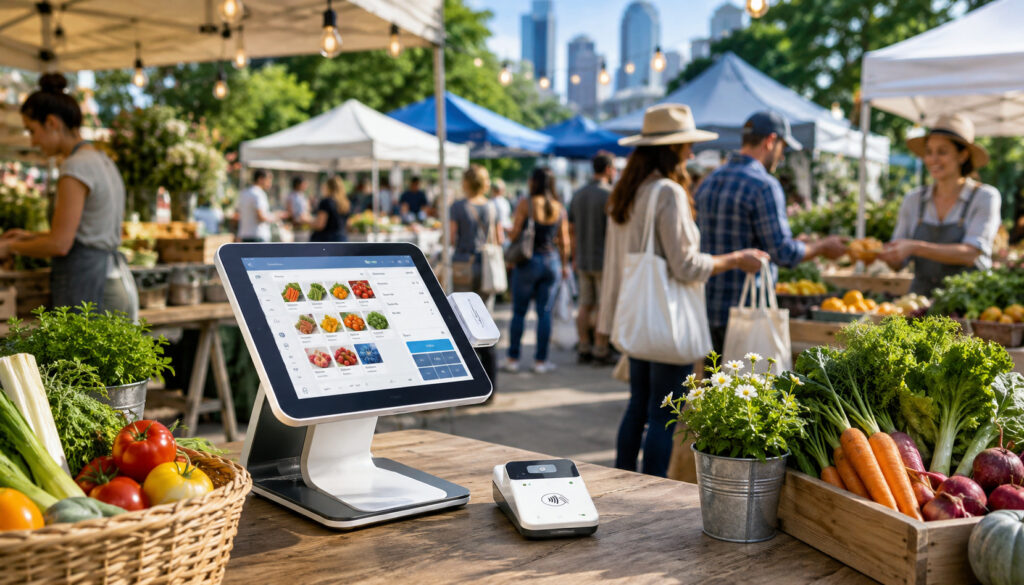
Mobile cloud POS for farmers markets is valuable because market selling is mobile by nature. Vendors may sell from tents, trailers, tables, carts, farm stands, festivals, roadside setups, community events, and seasonal pop-ups. A checkout system should move with them.
A portable POS setup may include a smartphone, tablet, wireless card reader, receipt printer, cash drawer, barcode scanner, or handheld terminal. Some vendors only need a phone and reader. Others need a more complete vendor checkout system with product categories, staff access, inventory tracking, and detailed reporting.
The right setup depends on product type and sales volume. A flower vendor with simple pricing may need only a lightweight mobile payment setup. A farm selling produce, meat, dairy, pantry goods, and subscriptions may need more detailed item management and reporting. A prepared food vendor may need modifiers, tips, taxes, and kitchen-style order notes.
Cloud systems are useful for vendors who sell at more than one location. Product updates can be made before the event, and reports can be reviewed after each market day. If multiple staff members help at checkout, permissions can limit who can issue refunds, change prices, or access reports.
Mobile POS also helps vendors look more professional. A smooth checkout, clear receipts, and reliable payment options can make a temporary booth feel organized and trustworthy.
Offline Mode and Connectivity Backup
Outdoor markets often have weak or inconsistent connectivity. Trees, crowds, buildings, weather, and network congestion can all interfere with payment processing. That is why offline payments and backup planning are important parts of farmers market cloud-based POS solutions.
Offline mode allows certain transactions to be captured when internet access is unavailable and synced later when connectivity returns. Vendors should understand the limits before relying on it. Some offline transactions may carry more risk because approval is not confirmed in real time, and some payment types may not work offline.
A good backup plan may include a mobile hotspot, charged power bank, extra charging cable, backup reader, and a simple written process for emergencies. Vendors should test devices before market day and know how to switch between Wi-Fi, cellular data, and hotspot connections.
Digital Receipts and Customer Trust
Digital receipts are more than a convenience. They help customers feel confident that the transaction was completed correctly. For vendors, receipts create a record of the sale, payment method, refund status, and purchase details.
This can reduce disputes. If a customer later asks about a charge, the vendor can look up the transaction instead of searching through paper notes. Digital receipts are also useful for customers buying gifts, business supplies, specialty foods, or higher-value products.
Receipts can also support repeat business. Some systems allow vendors to include store information, return policies, pickup notes, or loyalty details. Even when those features are basic, a clear receipt makes the vendor look organized and reliable.
For outdoor booths, digital receipts are often easier than paper. Wind, rain, limited counter space, and printer battery issues can make printed receipts inconvenient. Text or email receipts solve many of those problems.
Security Benefits of Cloud-Based POS Systems
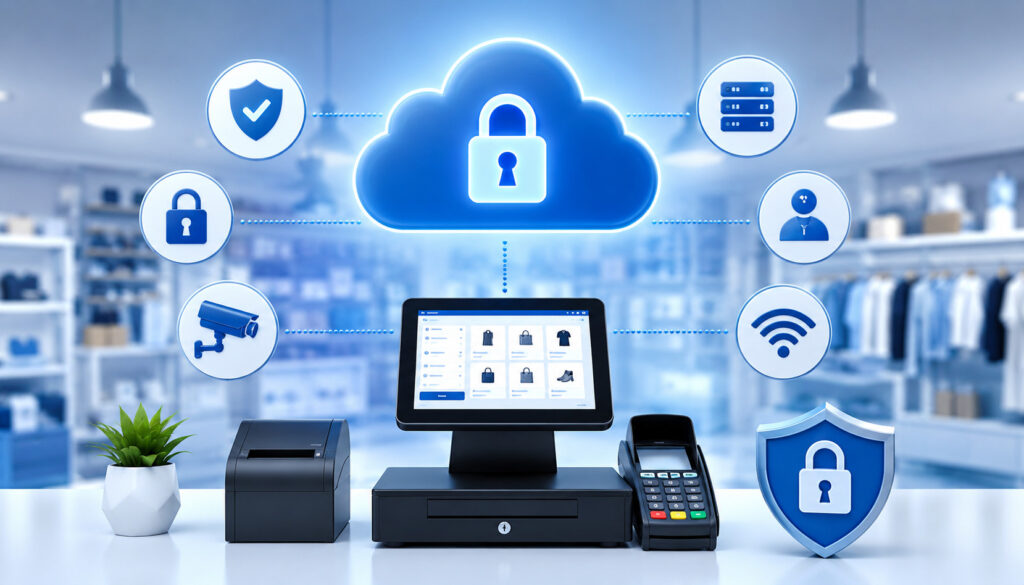
Security is a major reason to use modern vendor checkout systems instead of informal payment methods or manual card handling. Cloud-based POS systems are designed to process payments through secure tools that reduce the vendor’s exposure to sensitive card data.
Important security features may include encryption, tokenization, secure logins, password controls, user permissions, device-level protections, and software updates. Encryption helps protect payment information as it moves through the payment process. Tokenization replaces sensitive payment details with a token that is less useful if exposed.
User permissions are especially helpful when staff, family members, or helpers work the booth. A vendor may want one person to ring up sales while limiting access to refunds, reports, settings, or customer information. Secure logins help prevent unauthorized access if a device is lost or shared.
Cloud systems can also receive software updates that improve security and performance. Vendors should keep apps, operating systems, and payment devices updated. Ignoring updates can create avoidable problems.
Device control matters too. A phone or tablet used for payments should have a screen lock, strong passcode, and secure account access. Vendors should avoid sharing checkout devices casually or leaving them unattended at the booth.
Cloud POS security is not only about technology. It is also about habits:
- Use strong passwords.
- Enable multi-factor authentication when available.
- Limit staff permissions.
- Update apps before market day.
- Keep devices physically secure.
- Avoid storing card details manually.
- Review transactions for unusual activity.
Cost Considerations for Farmers Market Cloud-Based POS Solutions
Cost is an important factor when choosing farmers market cloud-based POS solutions. Vendors should look beyond the headline price and consider the full cost of hardware, software, transaction fees, add-ons, data, accessories, and payment timing.
Hardware costs may include card readers, tablets, phones, stands, receipt printers, barcode scanners, cash drawers, protective cases, power banks, and mobile hotspots. A small vendor may start with a basic reader, while a higher-volume vendor may prefer a handheld terminal or tablet-based checkout station.
Software costs vary. Some systems charge no monthly fee for basic features but collect transaction fees. Others charge monthly subscriptions for advanced inventory tracking, staff permissions, reporting, loyalty tools, multi-location management, or integrations.
Transaction fees can have a major impact over time. Vendors should compare card-present rates, manually keyed rates, online invoice rates, chargeback fees, refund policies, and any additional payment method fees. A low monthly fee is not always the cheapest option if transaction costs are higher.
EBT payment processing may involve separate requirements, equipment, or service arrangements. Vendors should confirm whether the system supports EBT, whether approval is needed, and whether the market uses a centralized or vendor-level approach.
Farmers market organizations and vendors can also review SNAP/EBT implementation resources from the Farmers Market Coalition for broader educational context.
Settlement timing matters as well. Vendors should know when card payments reach their bank account and how weekends, holidays, batch times, refunds, and disputes may affect cash flow.
Other costs to consider include:
- Mobile data plans
- Replacement readers
- Charging equipment
- Receipt paper if printing
- Software add-ons
- Staff training time
- Chargeback management
- Integration fees
The best choice is not always the cheapest. It is the system that balances affordability, reliability, payment flexibility, reporting, support, and ease of use.
Common Mistakes Vendors Should Avoid
A cloud POS can improve market operations, but only when vendors choose and use it carefully. One common mistake is choosing based only on price. A low-cost system may look appealing, but it can become frustrating if it lacks offline payments, inventory tracking, digital receipts, useful reporting, or the payment methods customers expect.
Another mistake is ignoring connectivity. Outdoor vendor payment processing depends on reliable access or a good backup plan. Vendors should test the system at the actual market location when possible. A device that works perfectly at home may struggle under a crowded tent or in a low-signal area.
Poor product setup can also slow down checkout. If the product catalog is messy, unclear, or missing common items, staff may use custom amounts too often. That weakens reporting and increases pricing errors. Vendors should create clear categories and buttons for bestsellers, seasonal items, bundles, and common discounts.
Battery planning is another overlooked issue. A cloud POS is only useful if the device stays powered through the event. Vendors should bring fully charged devices, backup power, and charging cables.
Receipt practices matter too. Customers may need proof of purchase, and vendors may need transaction records for disputes or refunds. Digital receipts should be enabled and offered consistently.
Finally, many vendors fail to review reports after each market. The system can collect valuable data, but the benefits come from using that data to make better decisions.
Avoid these mistakes:
- Choosing only by lowest advertised price
- Failing to test devices before market day
- Ignoring offline mode and connectivity limits
- Creating a messy product catalog
- Forgetting backup power
- Not training helpers
- Skipping digital receipts
- Not reviewing sales reports
- Mixing personal and business payments
Best Practices for Using Cloud POS at Farmers Markets
The best results come from treating the POS as part of the market routine, not just a payment device. Vendors should prepare the system before market day, use it consistently during selling hours, and review reports after the event.
Start by setting up products in advance. Use clear names, accurate prices, categories, taxes if applicable, and inventory counts where useful. Seasonal vendors should update menus as products change. If pricing changes often, create flexible buttons or categories that still keep reporting useful.
Before leaving for the market, charge every device. Bring a power bank, extra cable, backup reader, and any accessories needed for the booth. Update software before the event, not during the rush. Log in ahead of time so staff are not searching for passwords while customers wait.
At the market, keep checkout simple. Place the payment device where it is easy to reach but secure. Display payment signs clearly. Offer digital receipts. Use item buttons instead of custom amounts whenever possible so reporting stays clean.
After the market, reconcile sales. Compare cash, card totals, refunds, discounts, and expected deposits. Review top-selling products and sold-out items. Note anything that affected the day, such as weather, booth location, nearby events, or product shortages.
Best practices include:
- Build the product catalog before market day.
- Test card, tap, and receipt functions.
- Charge devices and bring backup power.
- Use secure logins.
- Train staff on refunds and discounts.
- Enable digital receipts.
- Track inventory consistently.
- Review reports after each event.
- Keep a backup checkout plan.
- Compare sales by market location.
Vendors looking for broader setup ideas can explore more farmers market POS system resources and product-related POS tools for market vendors when planning their checkout workflow.
What are cloud POS systems for farmers markets?
Cloud POS systems for farmers markets are mobile checkout systems that store transaction, product, payment, receipt, and reporting data online. Vendors can usually access the system through a phone, tablet, terminal, or web dashboard.
They help vendors accept payments, organize product menus, track sales, send receipts, manage inventory, and review performance after each market. Because the data is cloud-based, vendors are not limited to one physical register or paper record.
What are the main benefits of cloud-based POS systems for farmers markets?
The main benefits of cloud-based POS systems for farmers markets include faster checkout, flexible payment options, cleaner sales reporting, better inventory tracking, digital receipts, stronger security, and easier bookkeeping.
They are especially useful for outdoor vendors because they support mobile selling. Vendors can serve customers from a booth, table, tent, trailer, farm stand, festival, or pop-up event without needing a traditional checkout counter.
Conclusion
The benefits of cloud-based POS systems for farmers markets are practical and wide-ranging. A strong cloud POS setup can help vendors move lines faster, accept more payment methods, track inventory, review sales reporting, send digital receipts, and manage outdoor vendor payment processing with more confidence.
Farmers market vendors operate in busy, mobile, and sometimes unpredictable environments. A cloud POS gives them tools to handle short selling windows, limited booth space, seasonal inventory, weak connectivity, and changing customer payment preferences.
The best system is not simply the one with the most features. It is the one that fits the vendor’s products, market schedule, checkout volume, payment needs, and comfort level. With the right setup and good habits, cloud POS systems for farmers markets can make each market day smoother, more organized, and more profitable.